From a link to MP4, MP3 or MIDI.
Paste a video link, watch it right in the app and trim it to the exact part you want. YT Converter saves it as an MP4 video, an MP3 audio file, or turns the music into MIDI you can open in your DAW. Everything is processed on your Mac and lands in your Downloads folder.
Watch it first. Keep only the part you want.
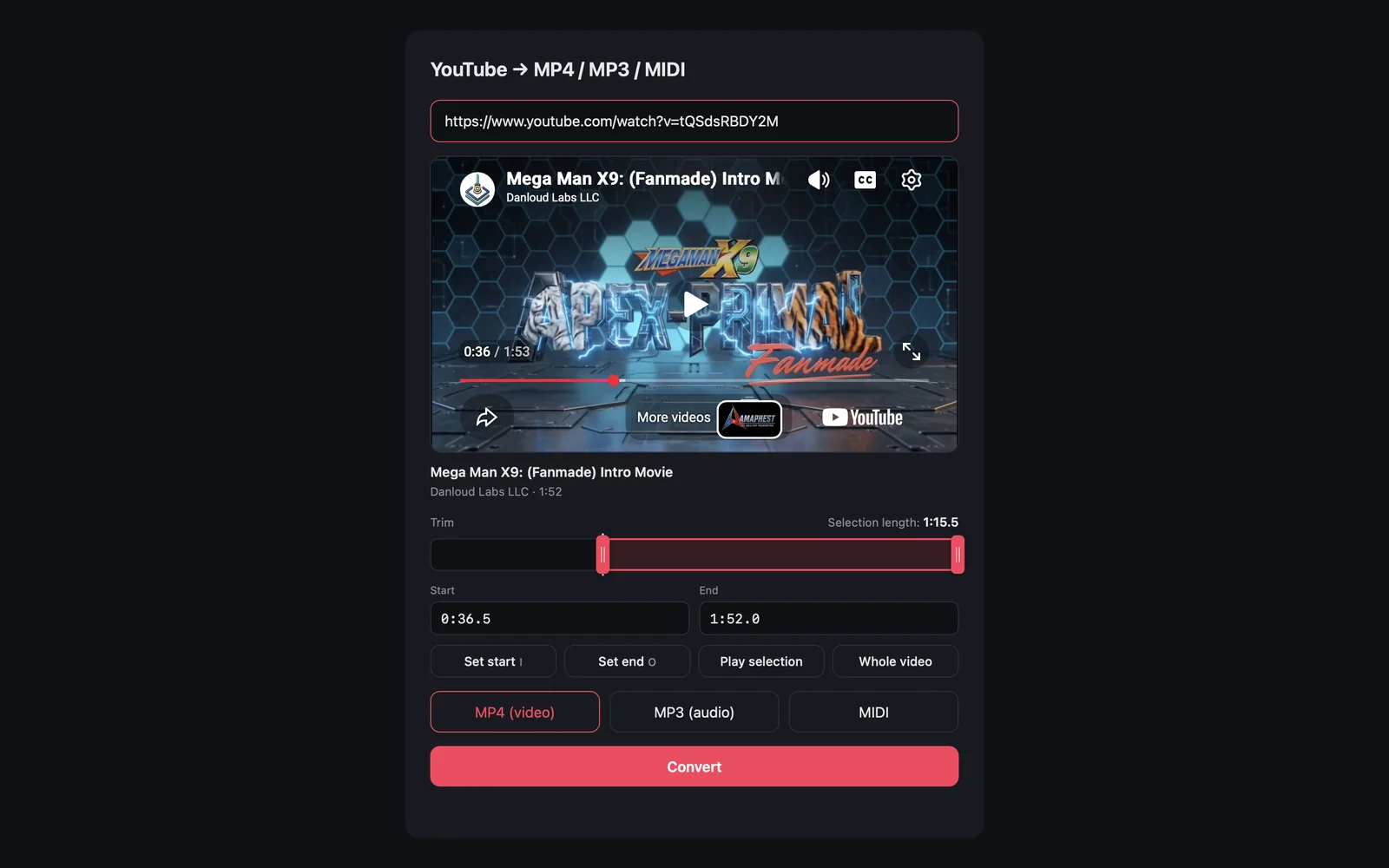
As soon as you paste a link, the video appears in the app with its title and length. Drag the two handles on the timeline, type the times, or mark them while it plays, then play the selection back before you convert. Only that part is saved, cut exactly where you chose, in any of the three formats.
- Built-in player with the title, channel and length
- Timeline with start and end handles that scrub the video
- Type exact times, or press I and O to mark them while playing
- Play the selection, or go back to the whole video in one click
- Works with MP4, MP3 and MIDI
Paste, pick a format, done.
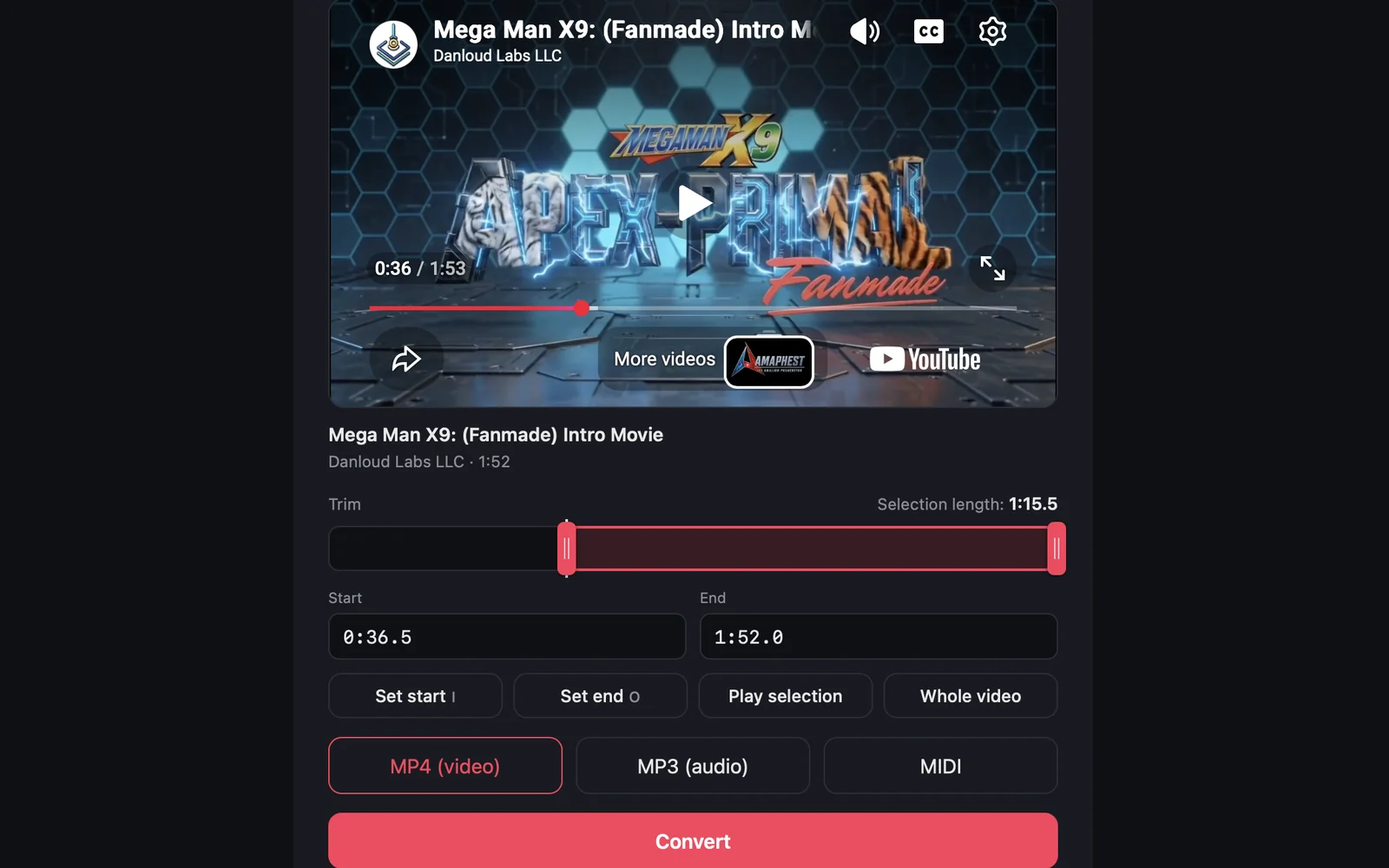
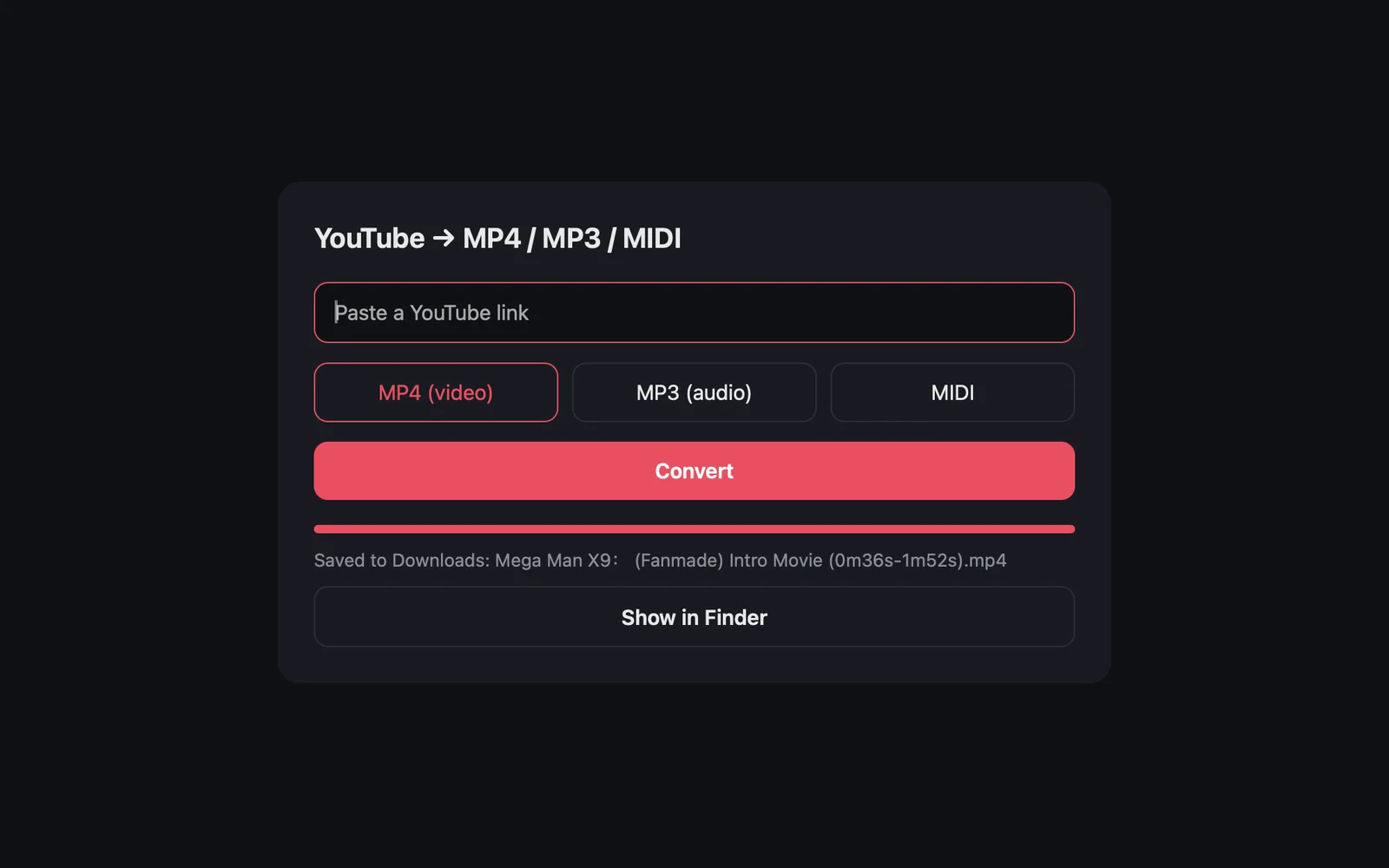
Choose MP4 for the video with its audio, or MP3 for the audio alone. YT Converter shows the progress and saves the file in your Downloads folder, ready to open.
- MP4 video in the best available quality
- MP3 audio at 192 kbps
- Reveal the file in Finder when it’s ready
Turn a song into notes.
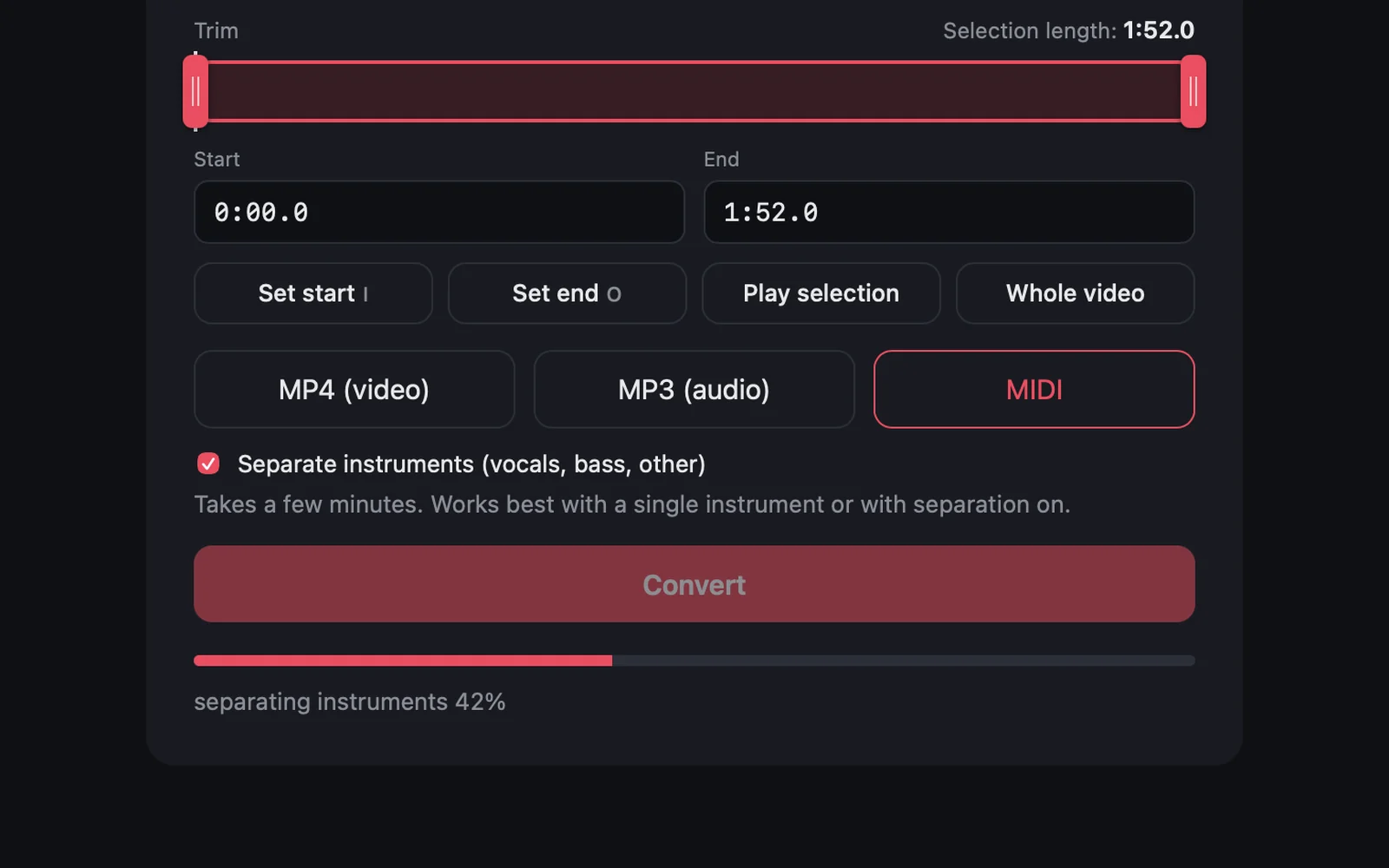
Without separation you get one MIDI file with every note it hears, perfect for a solo instrument. With instrument separation, the song is first split by AI into vocals, bass and the rest, and each part is transcribed on its own.
- Vocals, bass and other instruments as separate MIDI files
- All three tracks together in one file for your DAW
- Separation by Demucs, transcription by Basic Pitch
- A 4-minute song takes about 2 to 5 minutes
Built for the way you work.
The video plays right in the app, so you know it’s the right one before converting.
I and O mark the start and the end at the playhead, like in a video editor.
A trimmed file carries its range in the name, like Song (0m49s-2m30s).mp3.
Separated MIDI goes into its own folder, named after the video.
The AI separation and transcription run locally.
Drums are not transcribed, and dense mixes may need some cleanup.
A closer look
What you need
- macOS (Apple Silicon or Intel)
- About 1 GB of space (AI models included)
- An internet connection to fetch the video
Stays on your Mac
YT Converter has no accounts. The only connection it makes is to fetch the link you paste.
Privacy Policy