
Shape any sound. Cut, fade, mix.
WaveSmith Studio is a simple, fast audio editor for your Mac. Select a part of the waveform and trim it, extract it, fade it or change its speed and pitch, then layer two sounds into a single file. No uploads, no accounts, no internet.
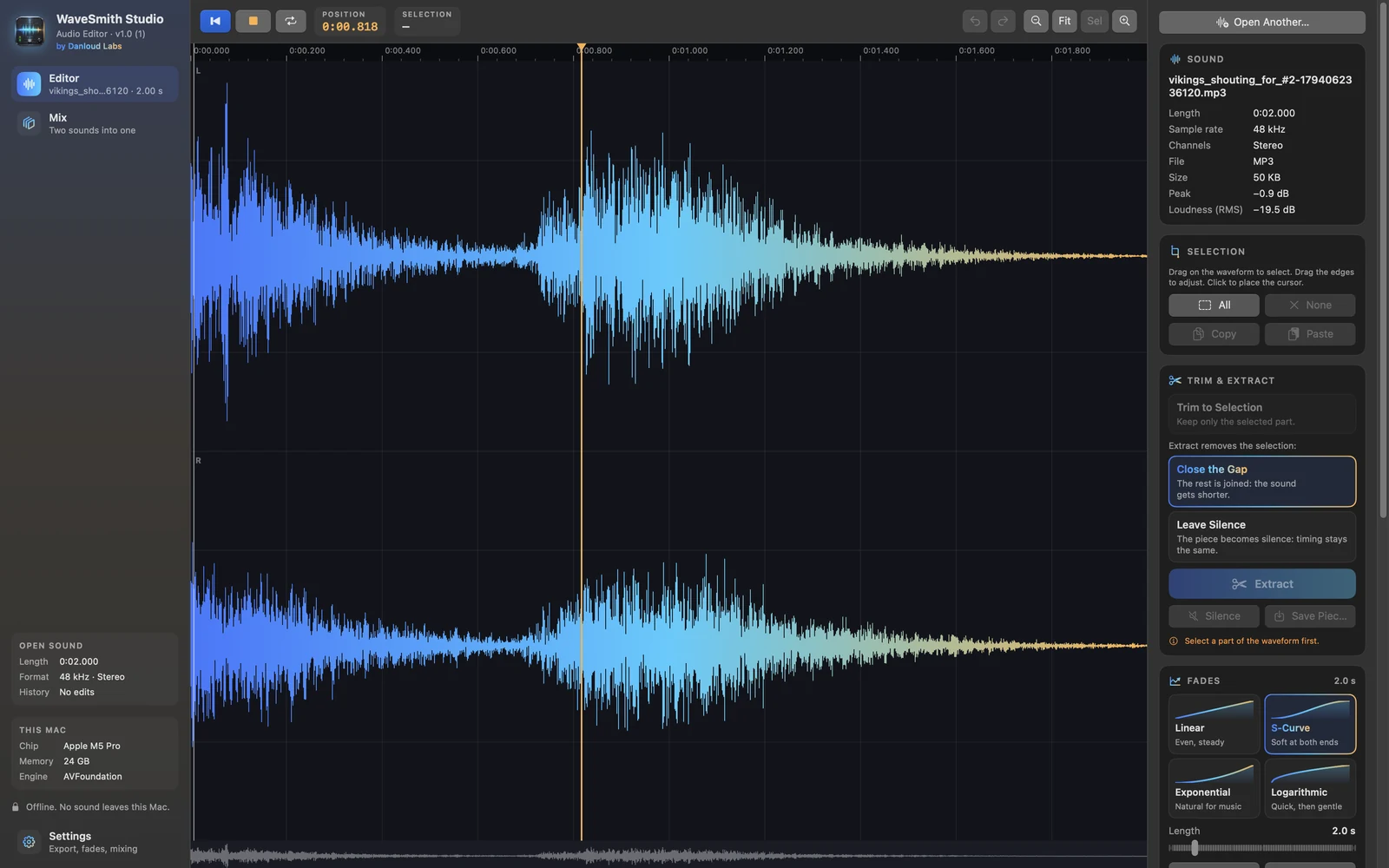
Take out a piece. Your way.
Drag across the waveform to select, then drag the edges to fine-tune it. Trim keeps only the selection. Extract removes it and lets you choose what happens to the hole: close the gap so the rest joins up, or leave silence so the timing stays the same.
- Close the gap, with a 10 ms cross-fade so the cut never clicks
- Or leave silence in its place
- Save just the selected piece as its own file
- Cut, copy and paste inside the sound, with 40 steps of undo
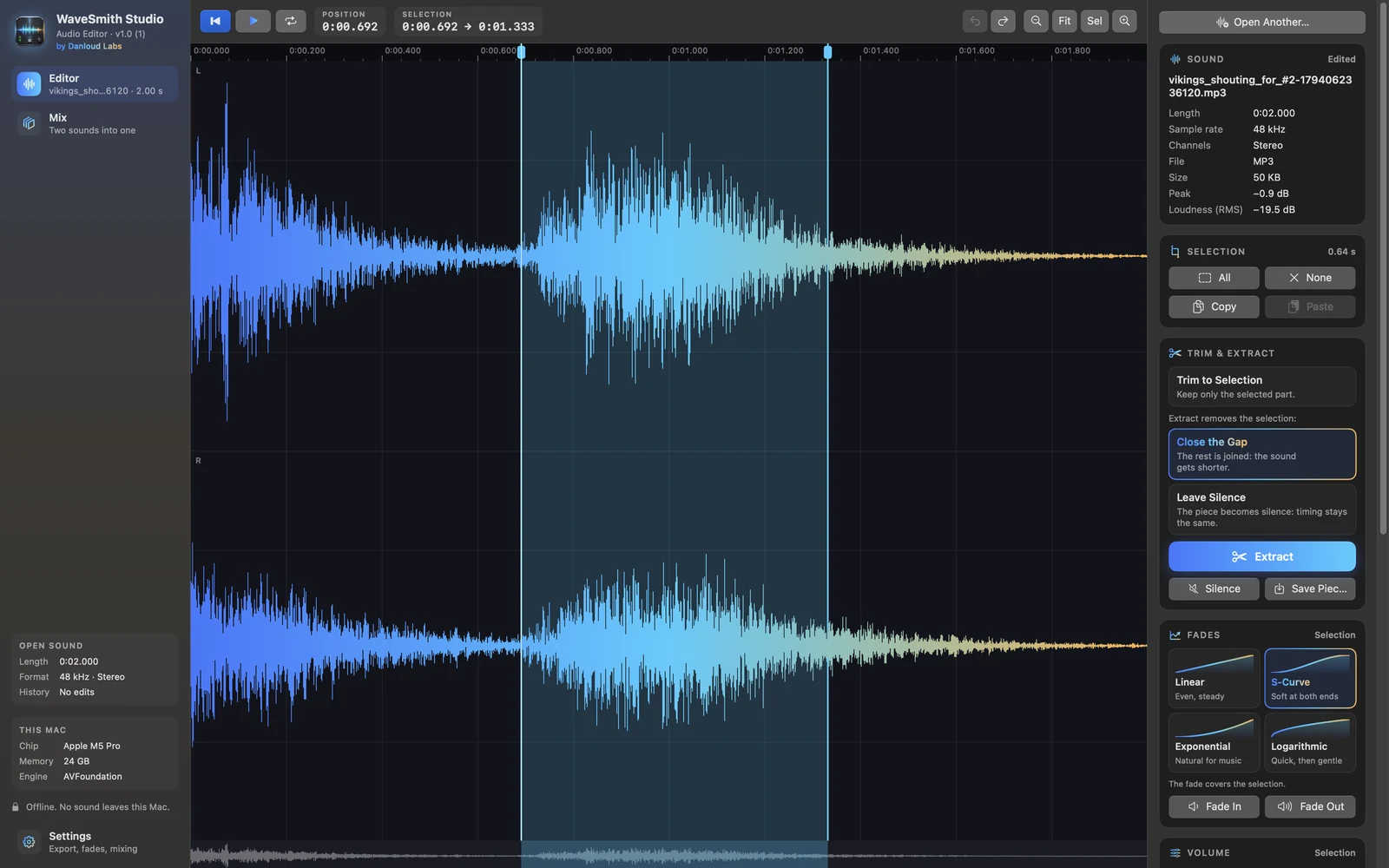
Everything a sound needs, one click away.
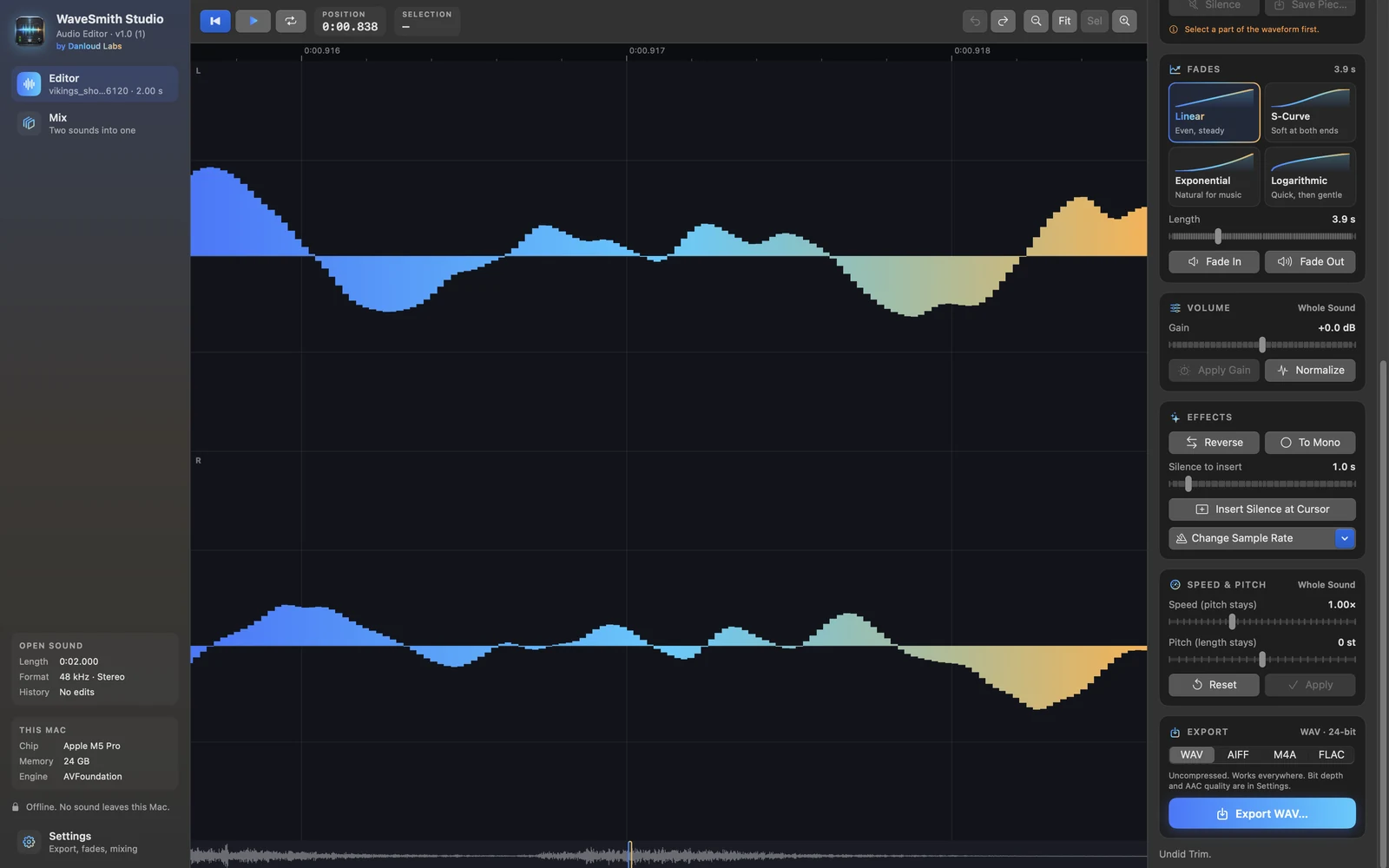
Fade in and out with four curves, each drawn on its button, over the selection or a length you set. Change the volume, normalize the peaks, reverse, insert silence, switch between mono and stereo, or change the sample rate.
- Linear, S-Curve, Exponential and Logarithmic fades
- Gain from −24 to +24 dB, and Normalize to a target peak
- Speed without changing the pitch, pitch without changing the length
- Edits apply to the selection, or to the whole sound
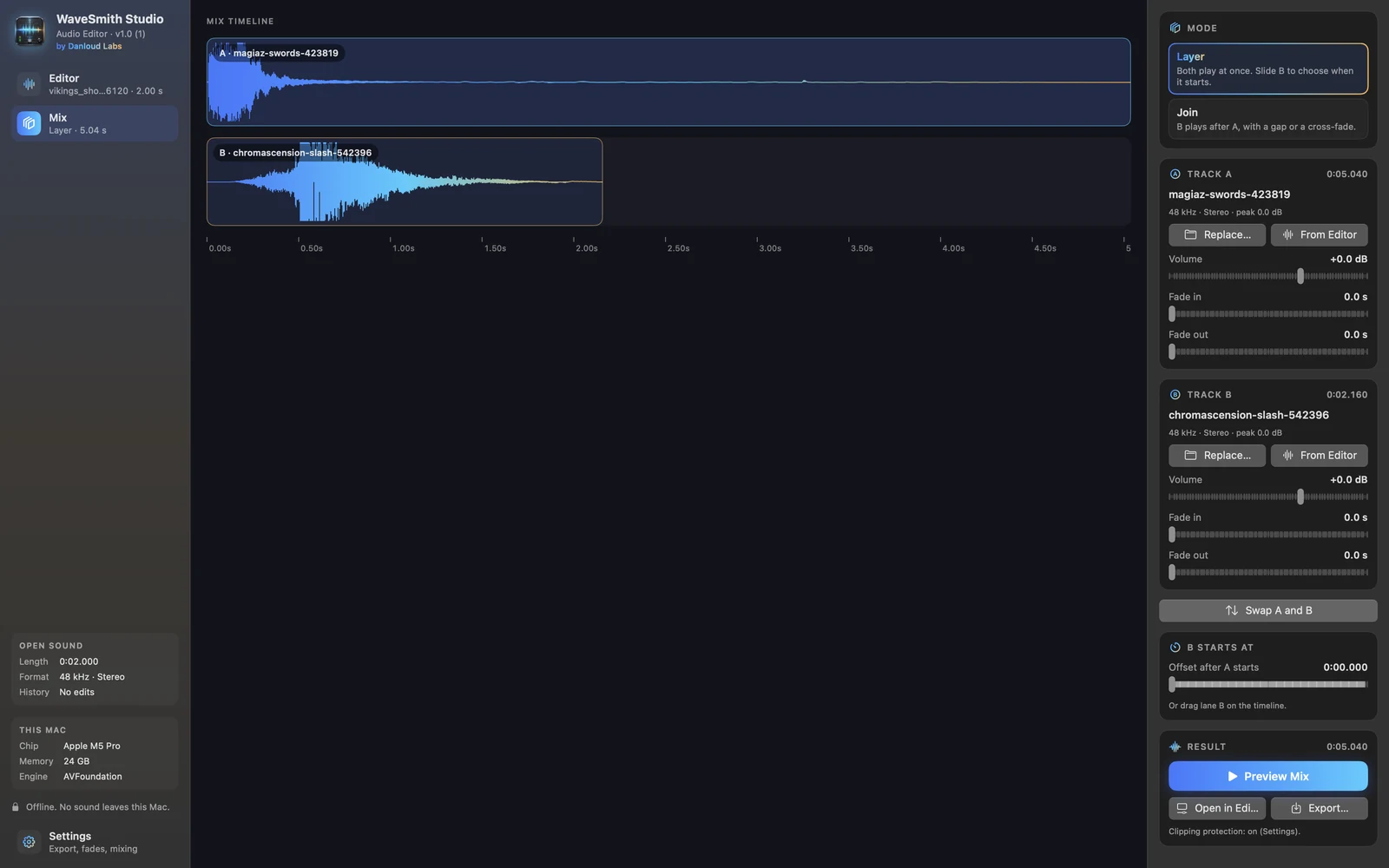
Two sounds, one file.
Load two sounds and choose how they meet. Layer plays them at the same time: drag the second one on the timeline to decide when it comes in. Join plays one after the other, with a gap or a smooth cross-fade. Each track has its own volume and fades.
- Layer: both at once, B starts where you drop it
- Join: one after the other, with silence or a cross-fade
- Different sample rates and channels are matched automatically
- Clipping protection, preview, then export or keep editing
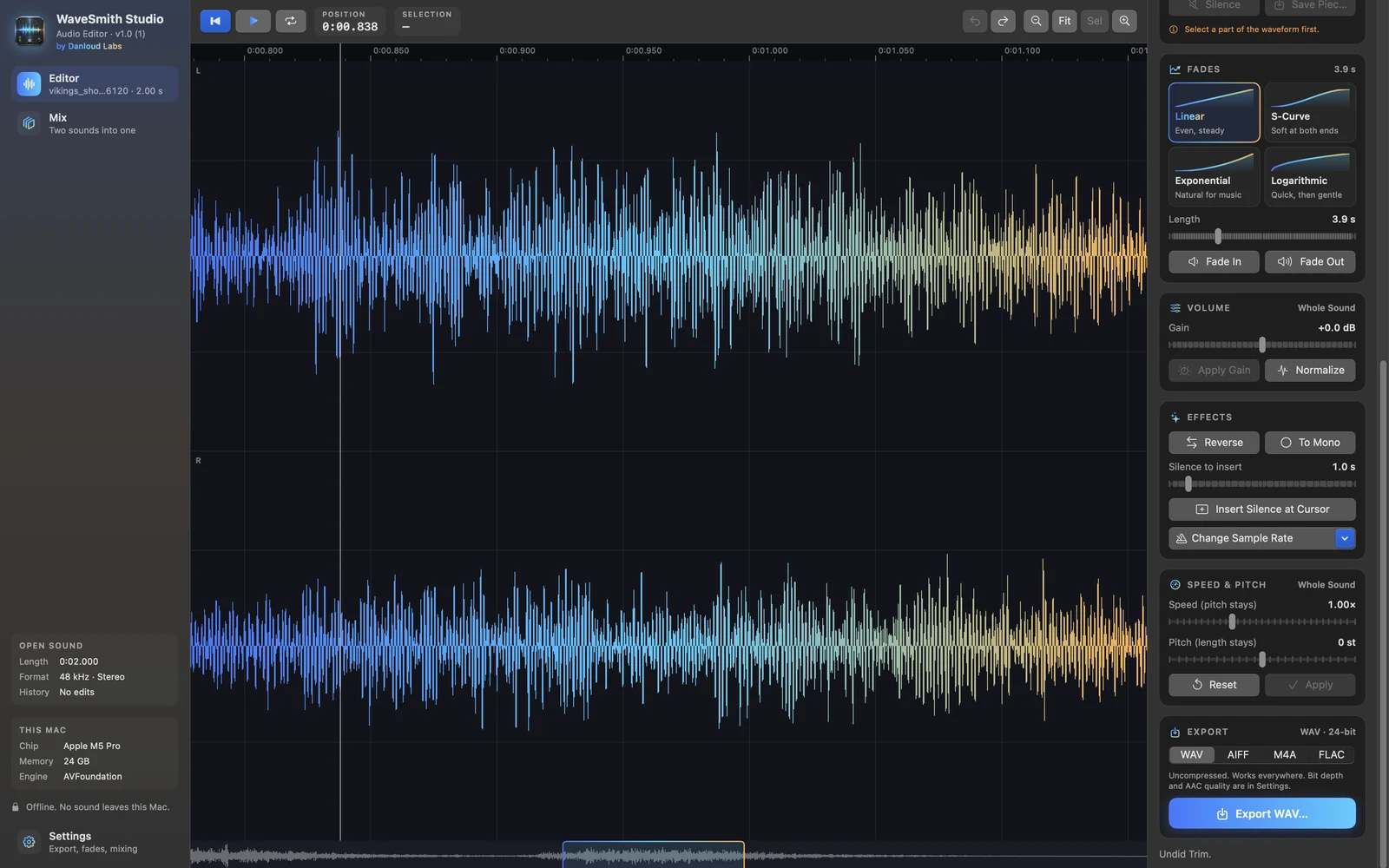
Zoom in until you see every sample.
Pinch on the trackpad to zoom from the whole sound to single samples, and use the overview strip to move around. The playhead follows the sound while it plays.
- Pinch, ⌘+ / ⌘− and zoom to selection
- Overview strip of the whole sound
- Time ruler down to the millisecond
Built for the way you work.
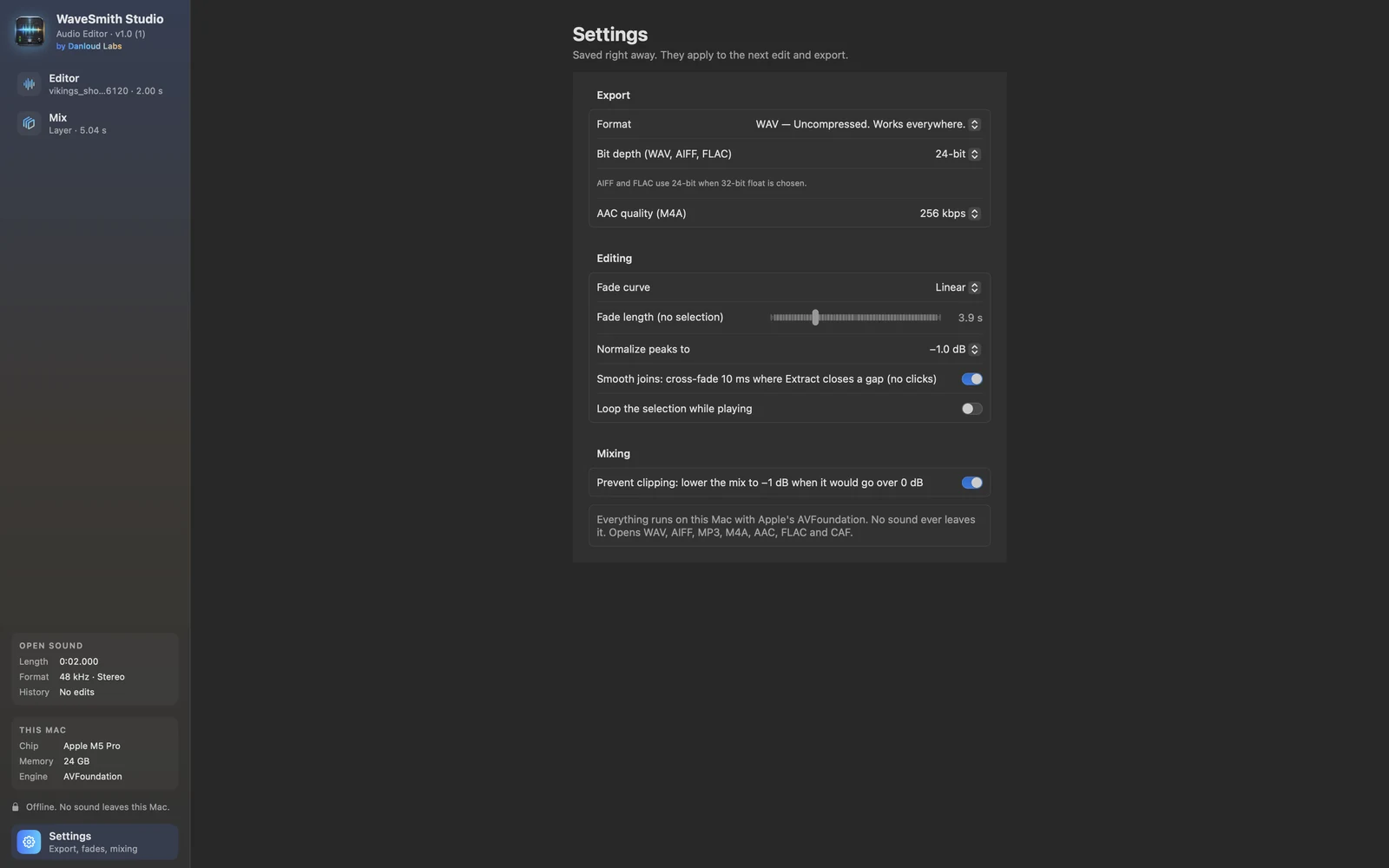
WAV, AIFF, MP3, M4A, AAC, FLAC and CAF, in mono or stereo.
WAV up to 32-bit float, AIFF, FLAC, or M4A from 128 to 320 kbps.
Length, sample rate, channels, peak and RMS loudness for every sound.
Space to play, Delete to extract, and a Sound menu with shortcuts.
Every sound is processed on your Mac with Apple’s AVFoundation. Nothing is uploaded.
Built in Swift and SwiftUI for Apple Silicon.
A closer look
What you need
- macOS 14 Sonoma or later
- Mac with Apple Silicon
Stays on your Mac
Your sounds never leave your Mac. WaveSmith Studio has no accounts, no analytics and needs no internet connection to work.
Privacy Policy