

Every pixel, up to 8K.
UpRes Studio enlarges your images with AI right on your Mac: sharper lines, cleaner detail, no blur and no compression blocks. Compare before and after with a slider, or upscale a whole folder at once. No uploads, no accounts, no internet.
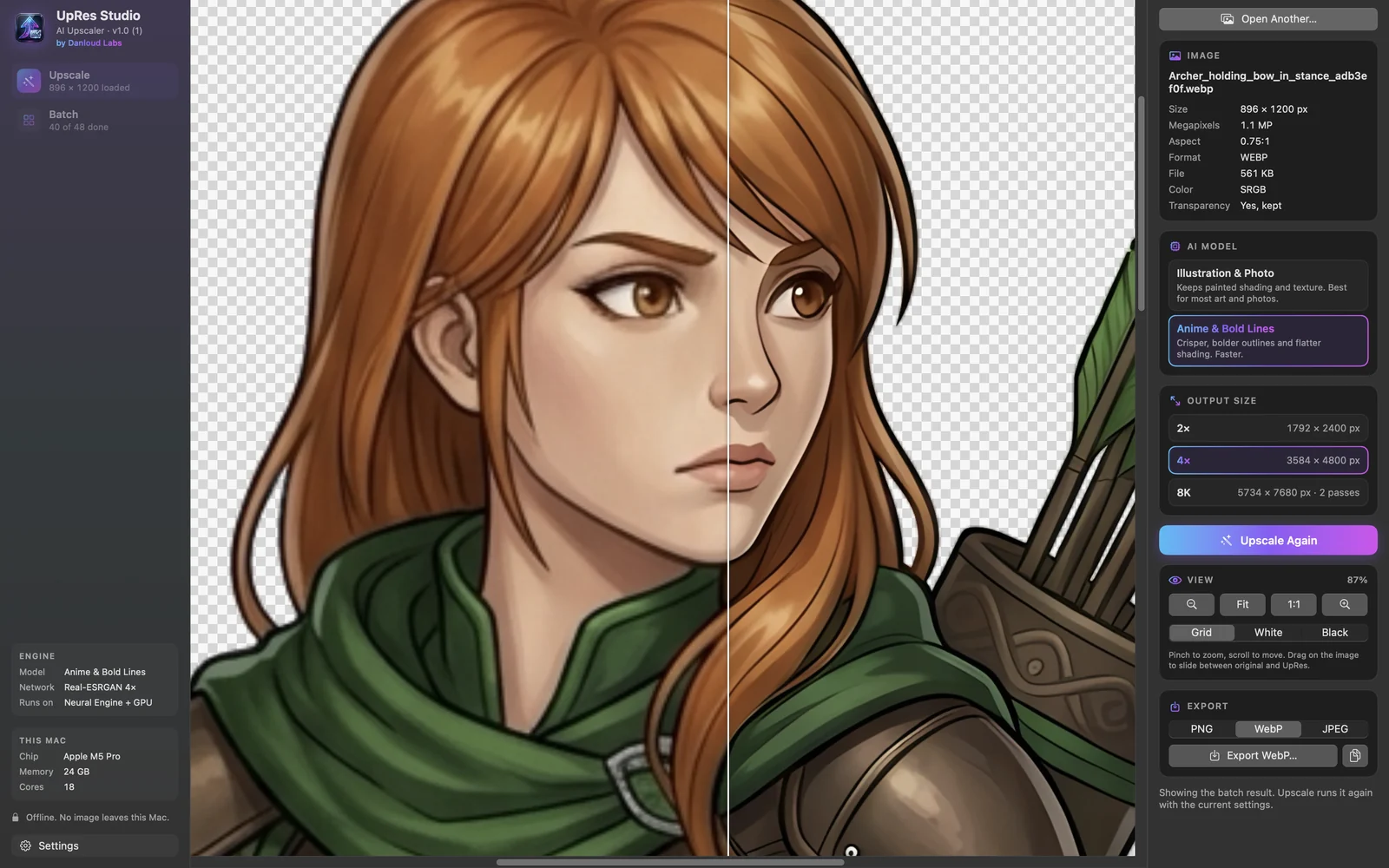
See the difference.
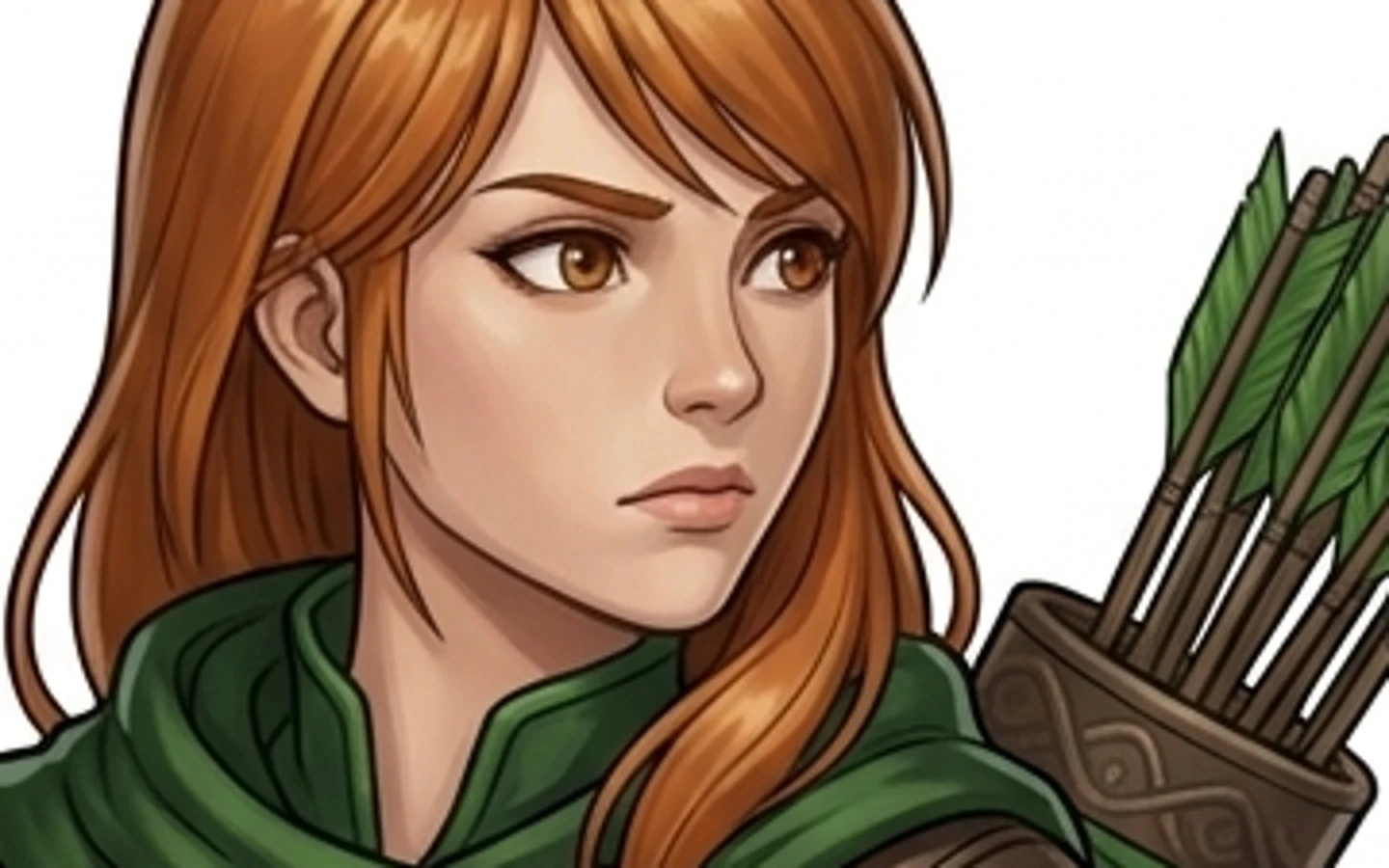
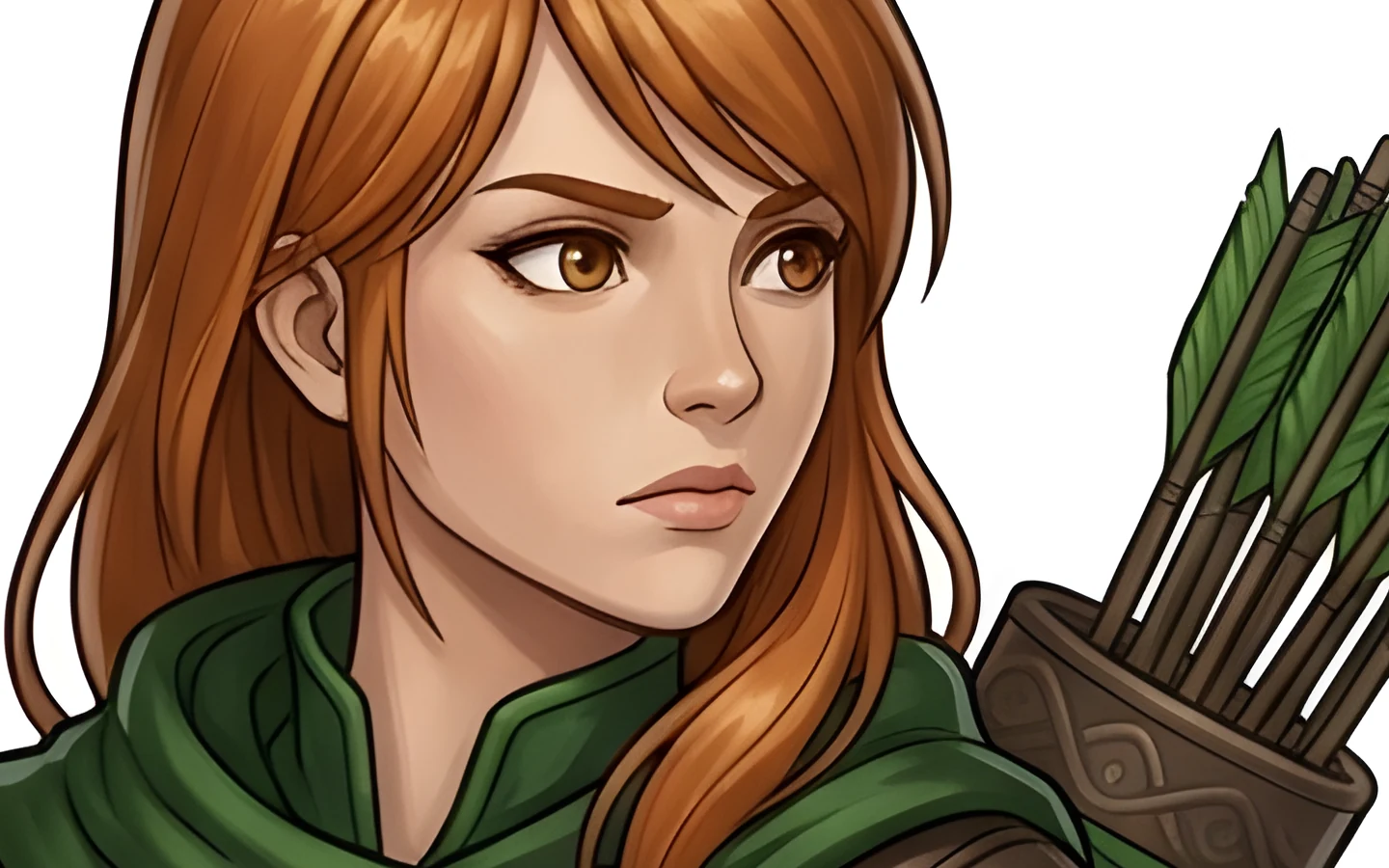 BeforeUpRes Studio
A 896 × 1200 character from WarDecks, enlarged 4×. Left: a plain enlargement. Right: UpRes Studio. Drag the slider.
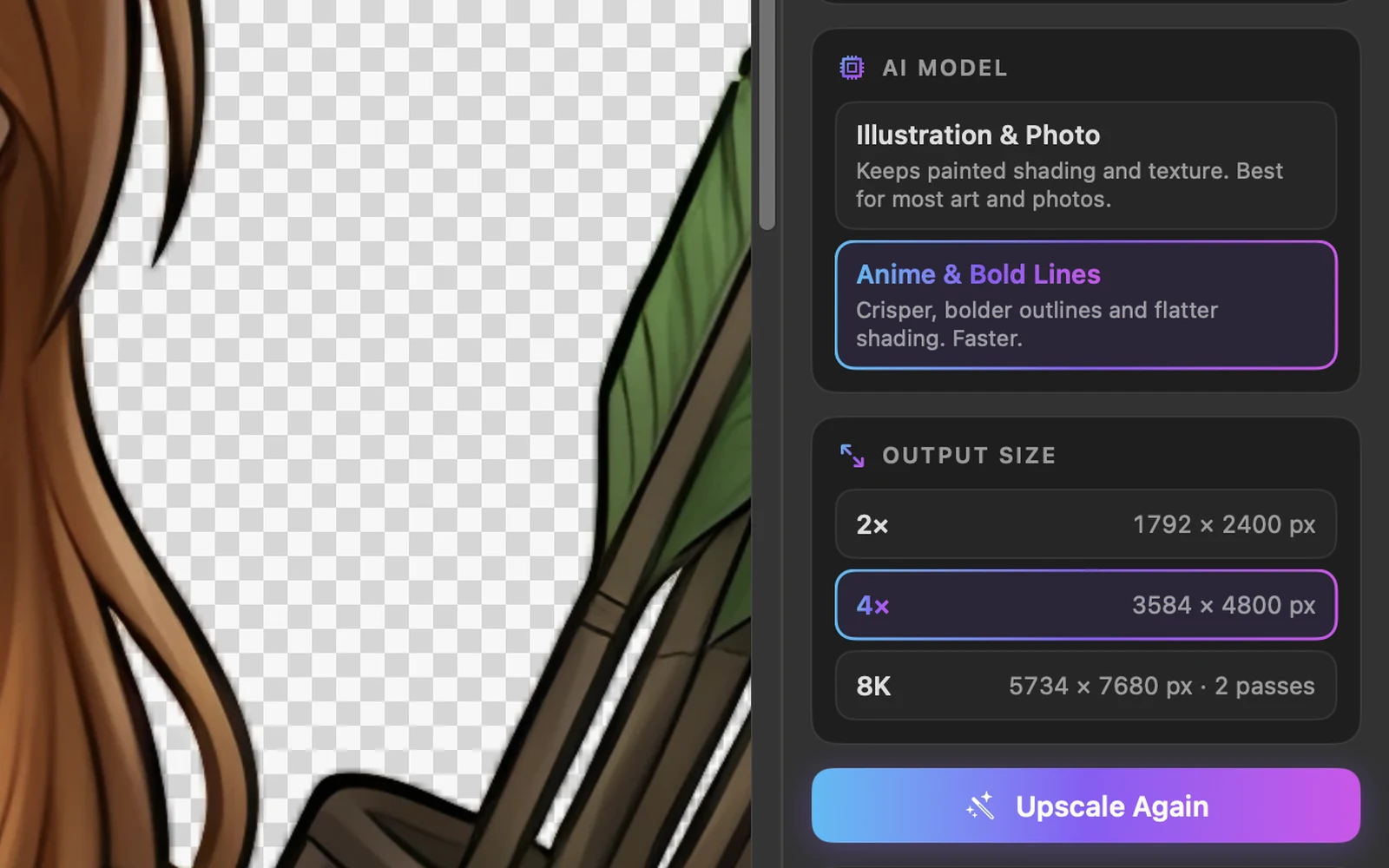
Sharper, without changing your art.
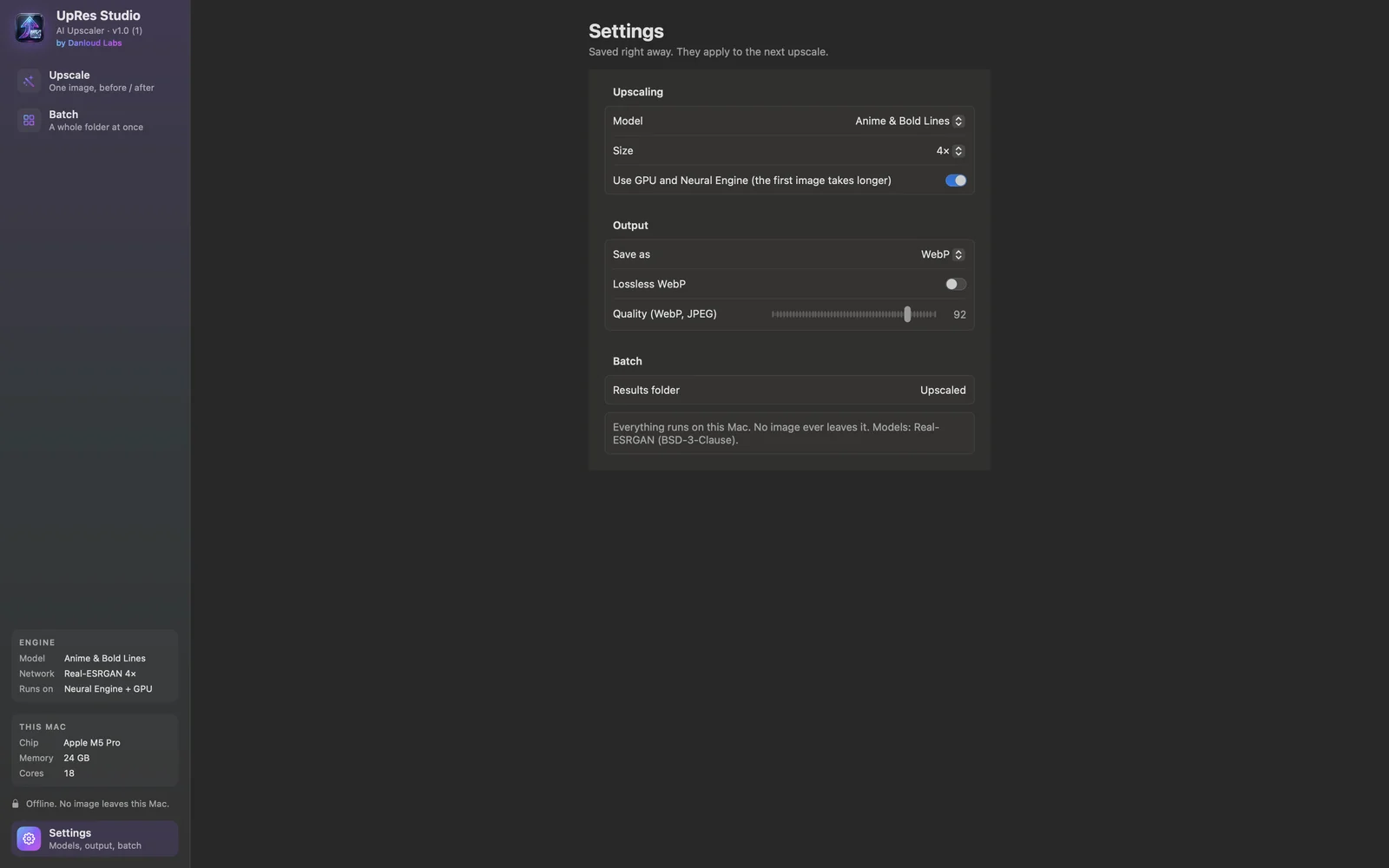
Choose Illustration & Photo to keep painted shading and texture, or Anime & Bold Lines for crisp outlines. Each size shows the exact result before you start: 2×, 4×, or 8K, which takes two AI passes so the detail is drawn, not stretched.
- Real-ESRGAN models, running on the Neural Engine and GPU
- 2×, 4× or 8K (7680 px on the long side, up to 16×)
- Transparent PNGs stay transparent, with clean edges
- Nothing runs until you press Upscale
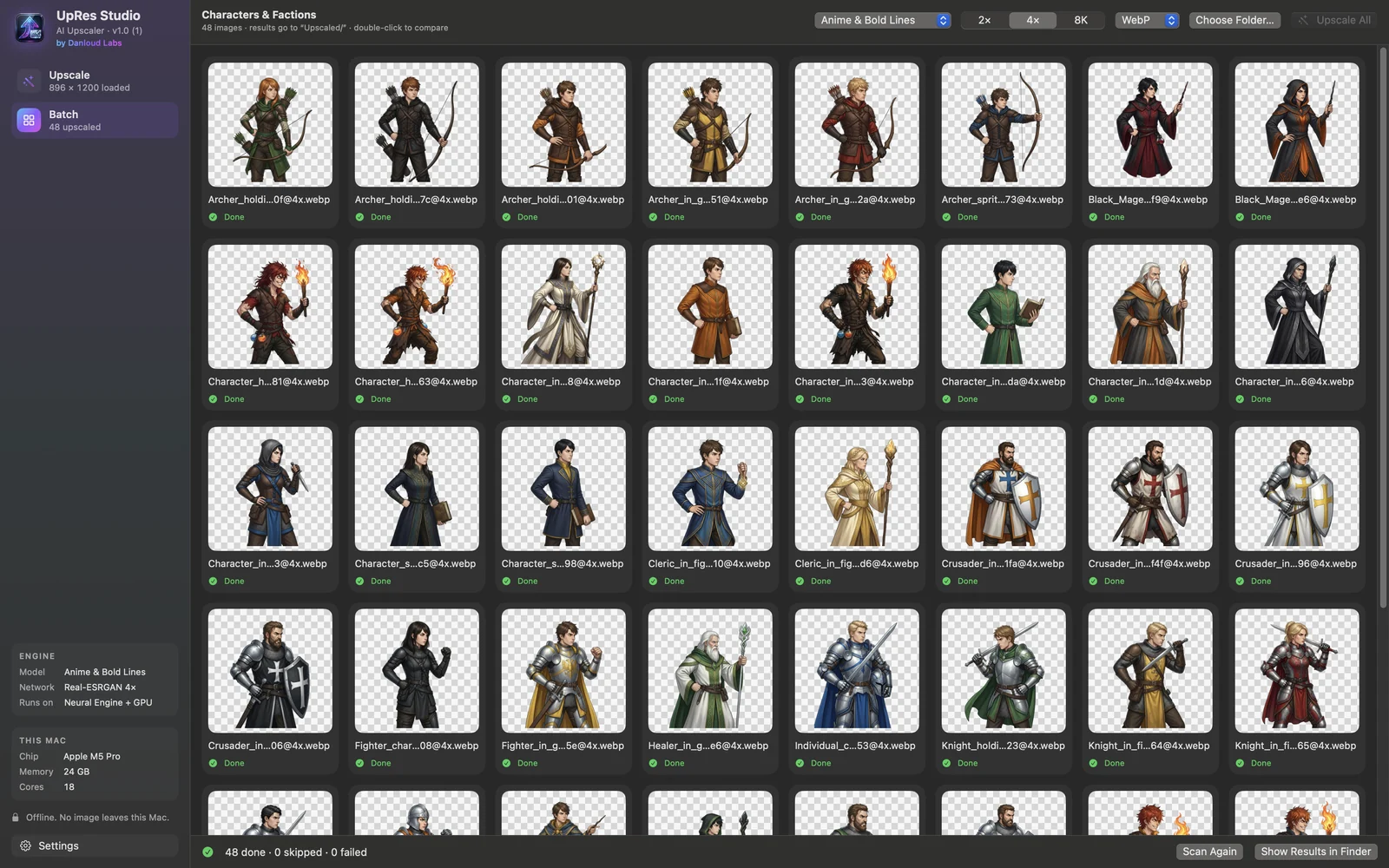
A whole folder, in one click.
Drop a folder and every image in it is upscaled with the same model and size. The results go into a new folder inside it, named with their size, and the originals are never touched.
- Live progress on every image
- Results named Hero@4x.png or Hero 8K.png
- Double-click any result to compare it with its original
- Skip an image, or upscale one again
Built for the way you work.
Zoom from 5% to 800% with the trackpad, or ⌘+ / ⌘− / ⌘0 / ⌘1.
Drag across the image to compare the original and the result at any zoom.
Size, megapixels, aspect, format, color profile and transparency at a glance.
Every image is processed on your Mac. Nothing is uploaded, ever.
Built in Swift and SwiftUI for Apple Silicon, with the Neural Engine.
Export with transparency, adjustable quality or lossless WebP.
A closer look
What you need
- macOS 14 Sonoma or later
- Mac with Apple Silicon
- About 200 MB of space (the AI models are inside the app)
Stays on your Mac
Your images never leave your Mac. UpRes Studio has no accounts, no analytics and needs no internet connection to work.
Privacy Policy