

Remove any background. Keep every hair.
CutOut Studio removes the background of your images right on your Mac: one at a time with brush touch-ups, or a whole folder in one click. No uploads, no accounts, no internet.
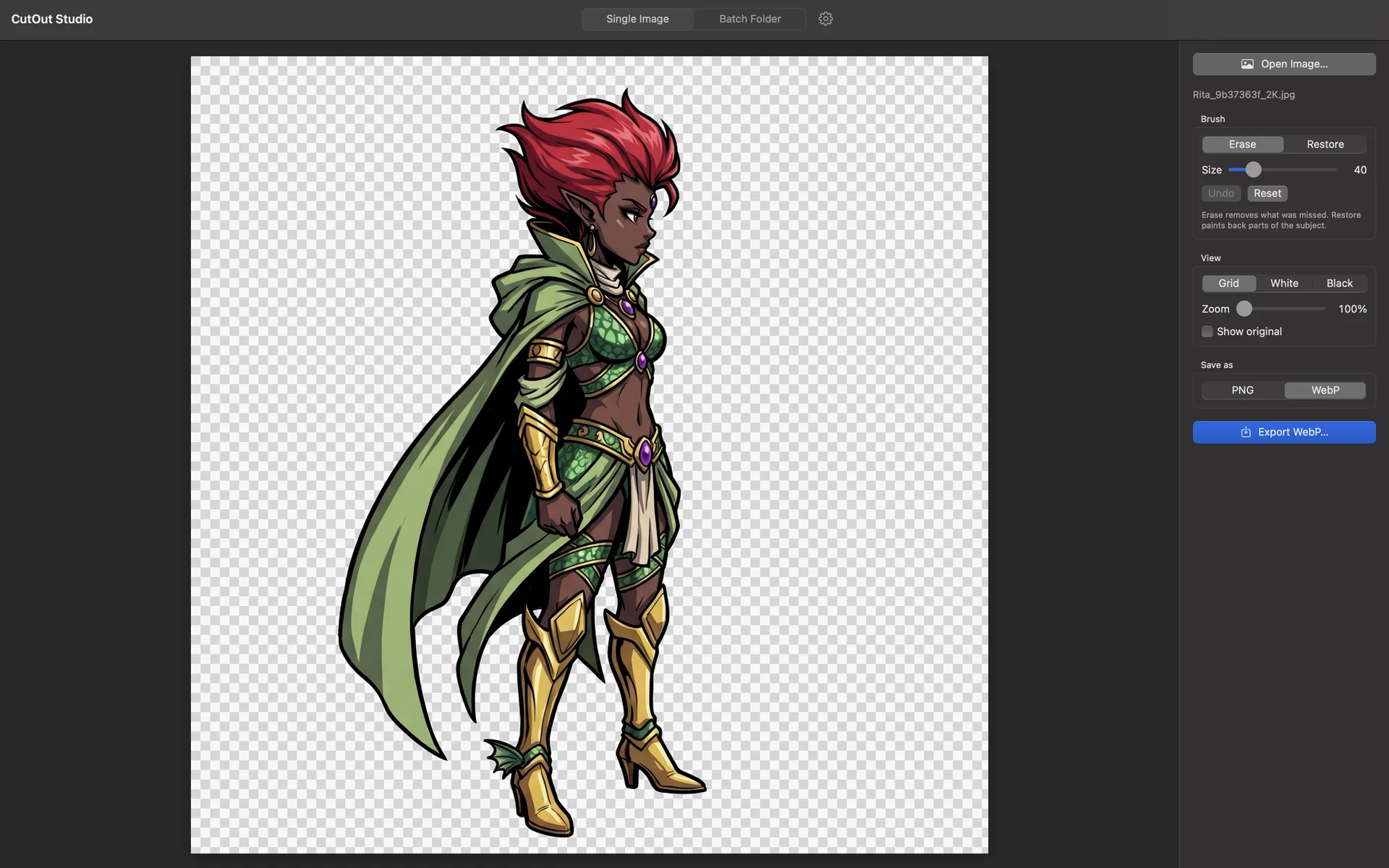
Hair, fur and fine edges, done right.
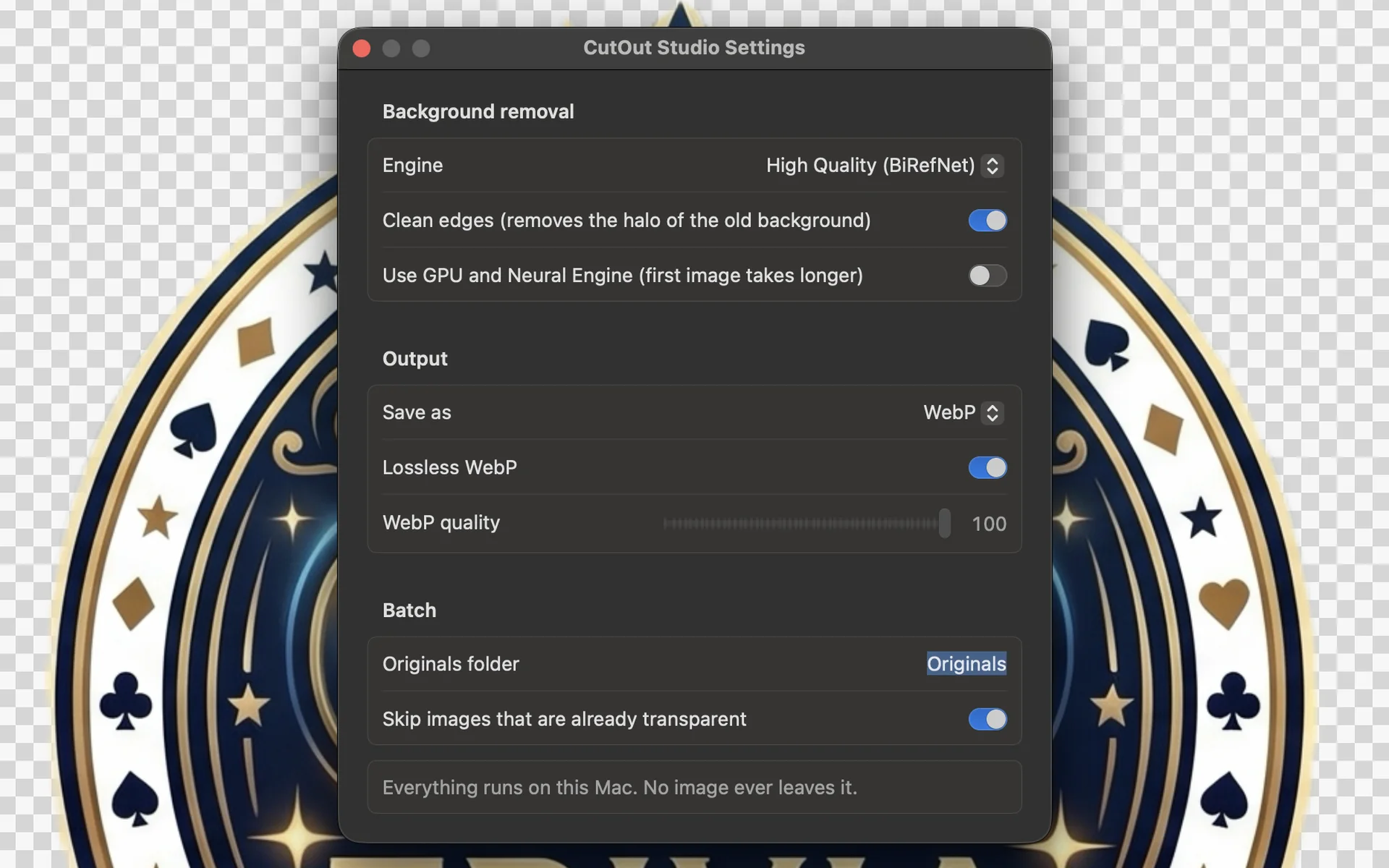
The default engine is BiRefNet, one of the most accurate open background-removal models, running on your Mac. For quick jobs, switch to the Fast engine powered by Apple Vision.
- High Quality: BiRefNet, for hair, fur and thin details
- Fast: Apple Vision subject detection
- Optional GPU and Neural Engine acceleration
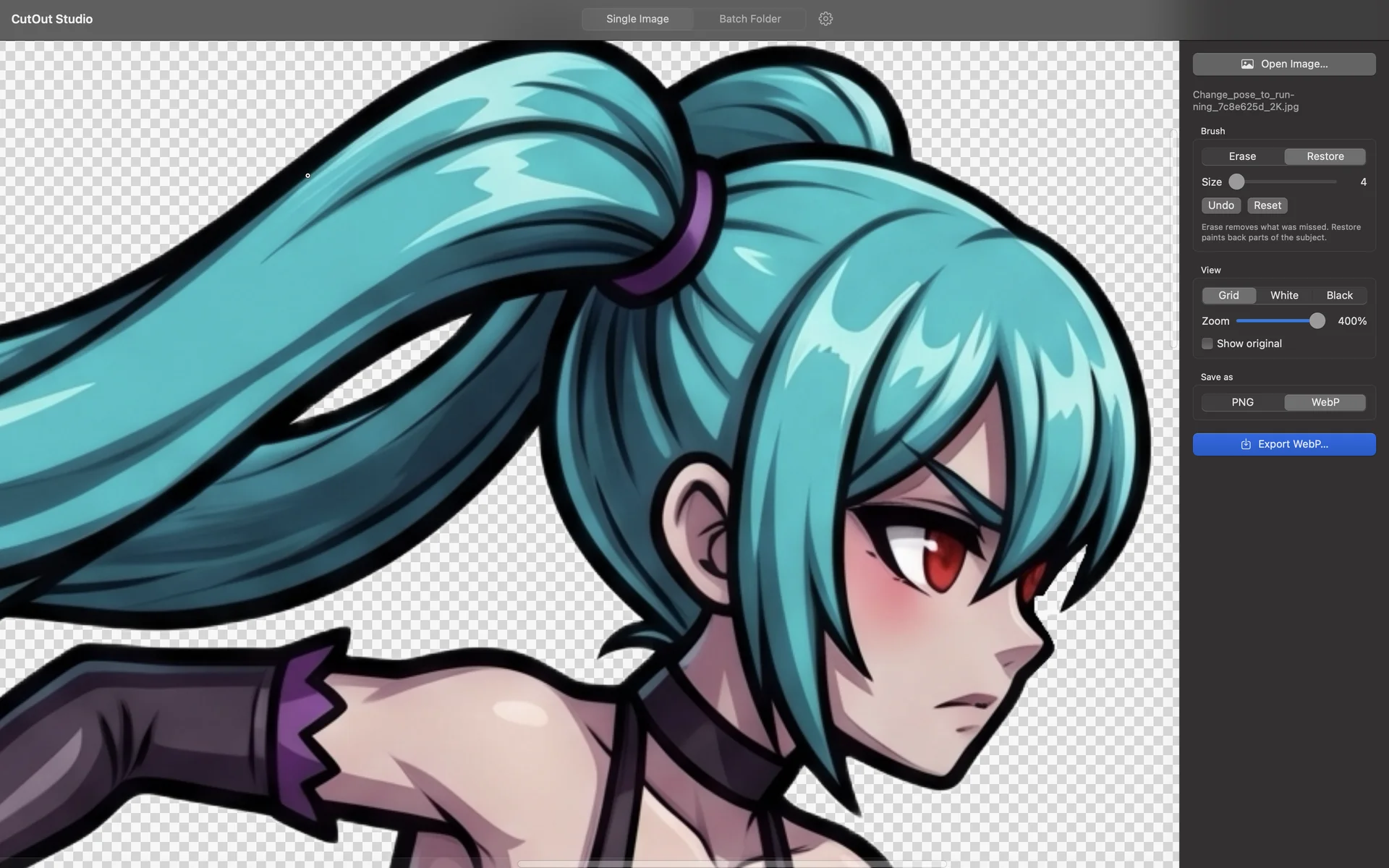
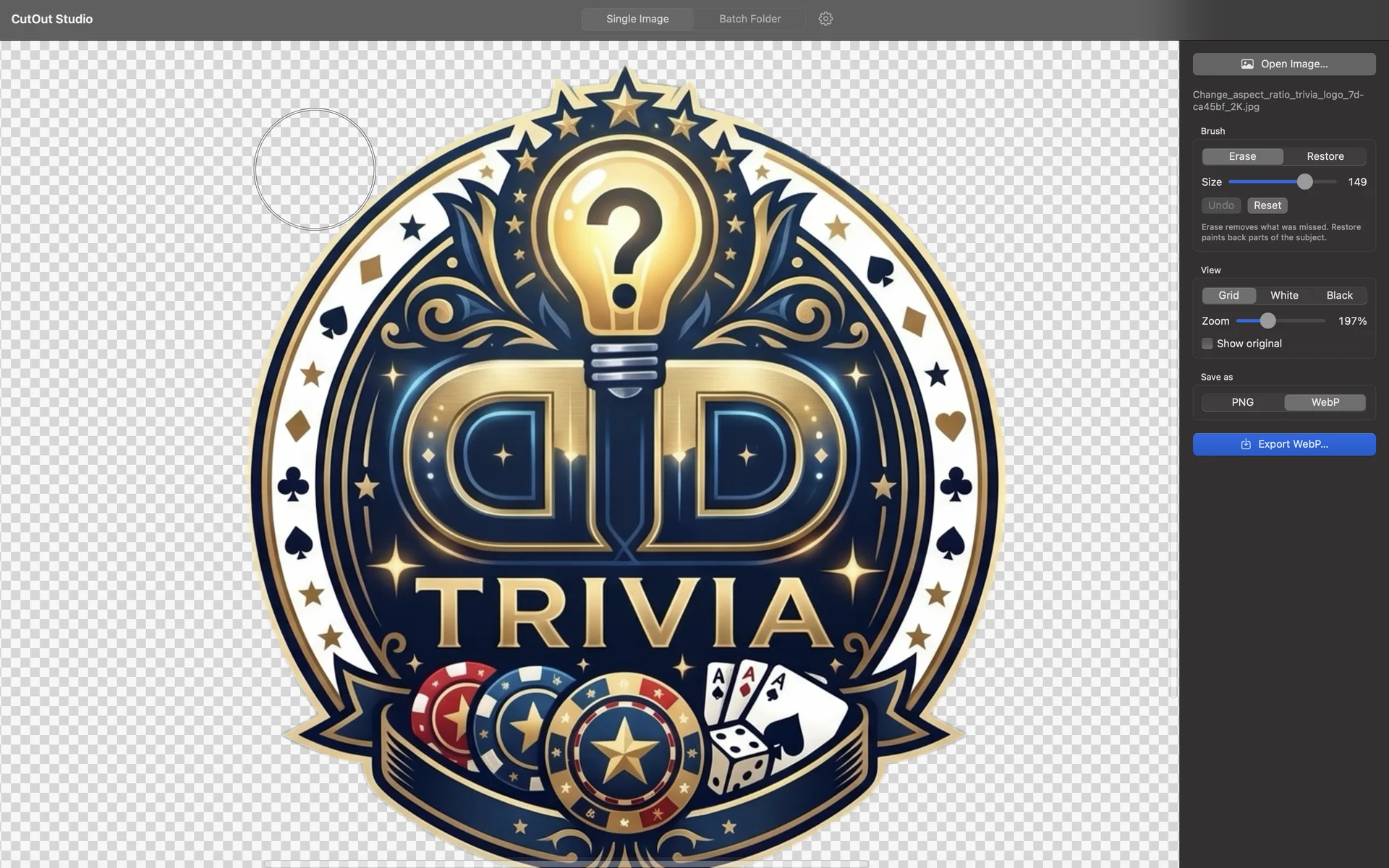
Touch up any edge with a brush.
Open or drop an image and the background is gone. If the AI missed a spot, paint it away with Erase or bring it back with Restore, then export.
- Erase and Restore brush with adjustable size
- Undo (⌘Z) and reset to the automatic result
- Preview over grid, white or black, zoom up to 400%
- Compare with the original in one click
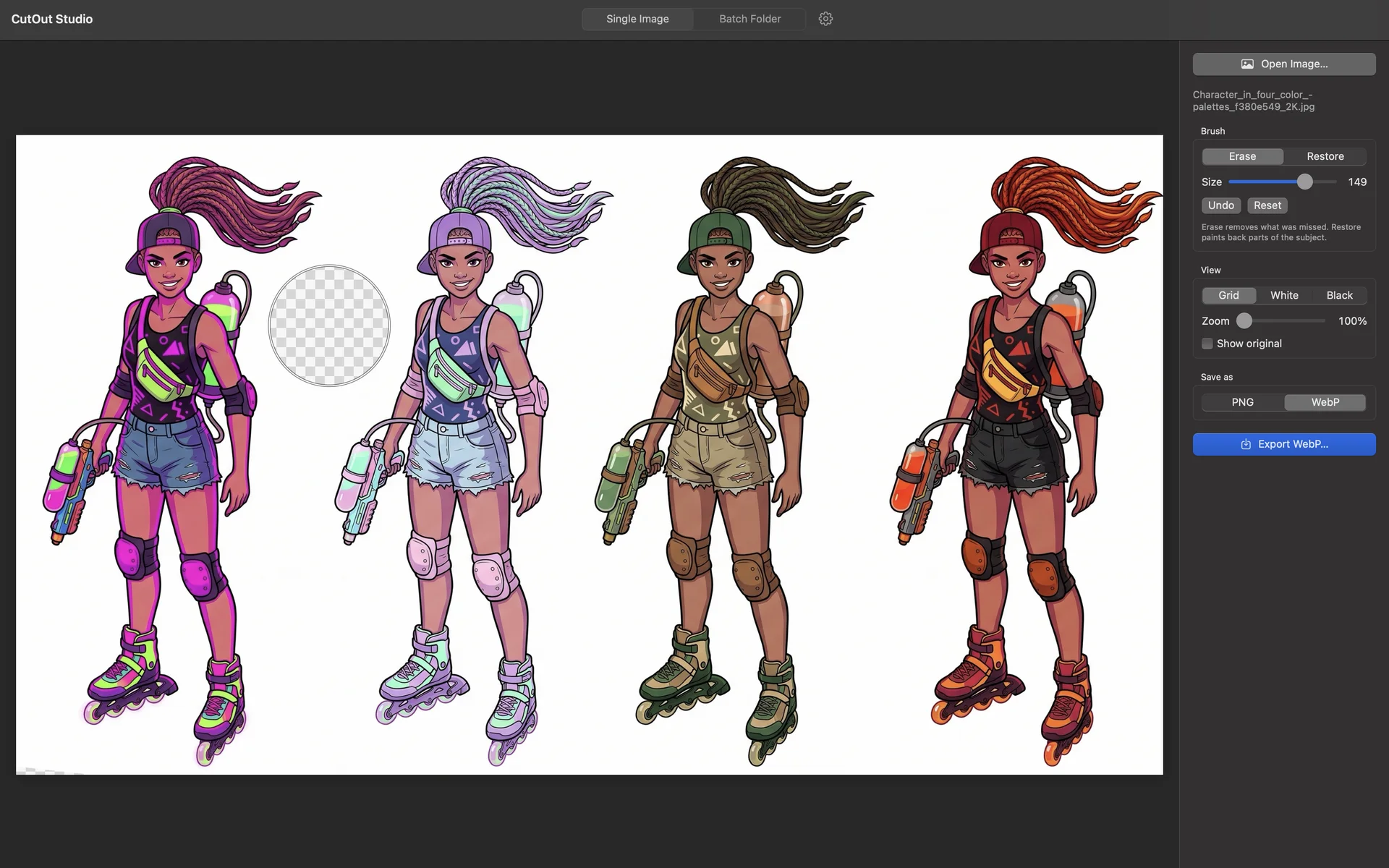
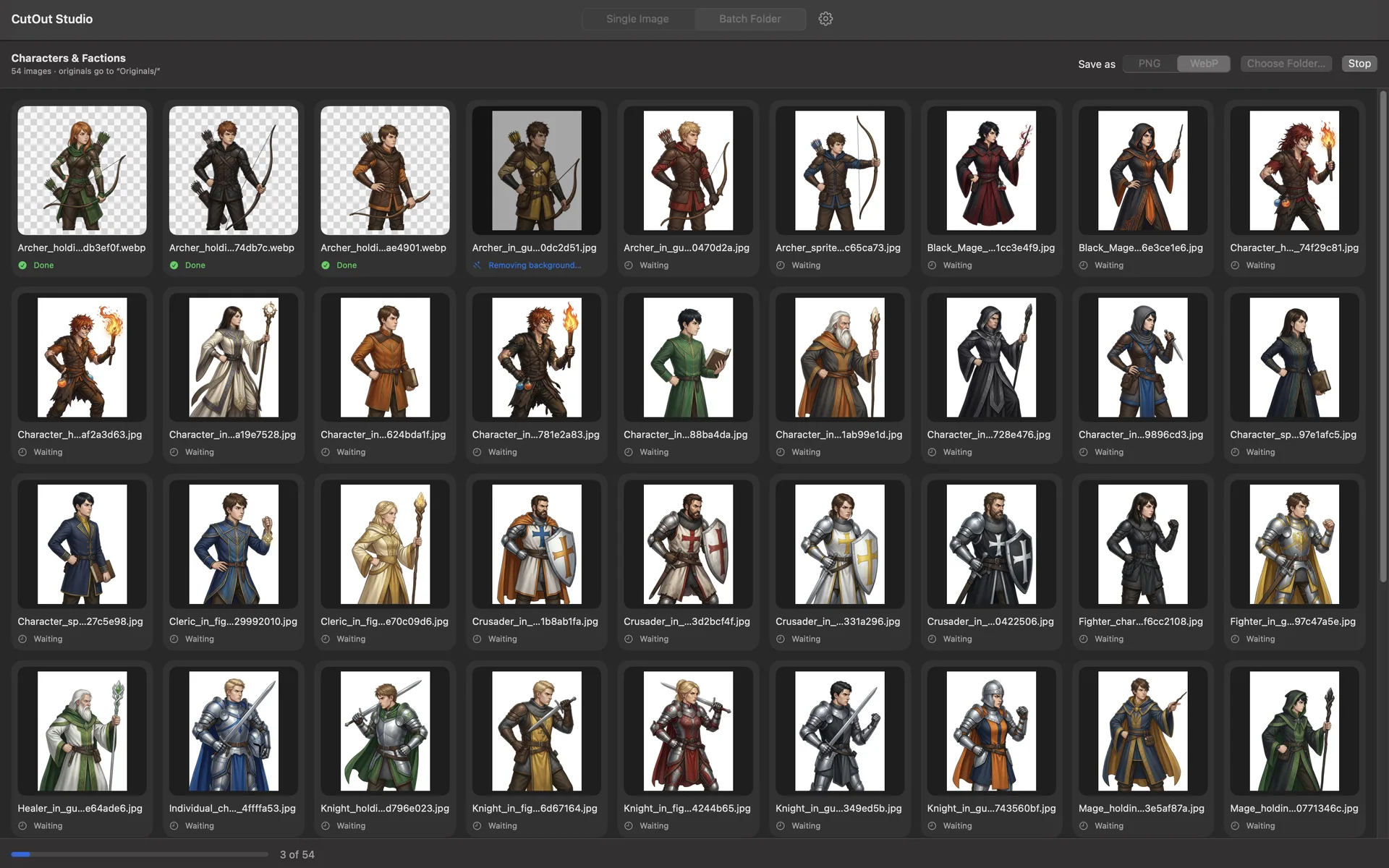
A whole folder, in one click.
Drop a folder and every image in it gets its background removed. Each cut-out is saved in the same folder with the same name, and the originals move into an Originals folder, safe and untouched.
- Live progress, with each thumbnail turning into its cut-out
- Images that are already transparent can be skipped
- Stop at any time and pick up where you left off
- Show in Finder when it’s done
No halo from the old background.
Along the edges, the old background’s color bleeds into the subject: the white fringe you see on dark backgrounds. CutOut Studio estimates that color and takes it back out, so the cut-out looks clean anywhere.
- Edge color decontamination, on by default
- Works with both engines
- Keeps the photo’s own color space (Display P3, sRGB)
Built for the way you work.
JPG, PNG, WebP, HEIC, TIFF and BMP, with their orientation fixed automatically.
PNG with transparency, or WebP with adjustable quality or lossless.
Every image is processed on your Mac. Nothing is uploaded, ever.
Drop an image on the editor or a folder on Batch to start.
Built in Swift and SwiftUI for Apple Silicon.
Engine, output format, originals folder name and more.
A closer look
What you need
- macOS 14 Sonoma or later
- Mac with Apple Silicon
- About 1 GB of space (the AI model is inside the app)
Stays on your Mac
Your images never leave your Mac. CutOut Studio has no accounts, no analytics and needs no internet connection to work.
Privacy Policy