Cut the background out of any video.
AlphaCut removes the background from your videos and exports them with real transparency: animated PNG, PNG sequences, game-ready spritesheets, ProRes 4444 and HEVC with alpha. Color grading and audio extraction included, all on your Mac.
From green screen to no screen at all.
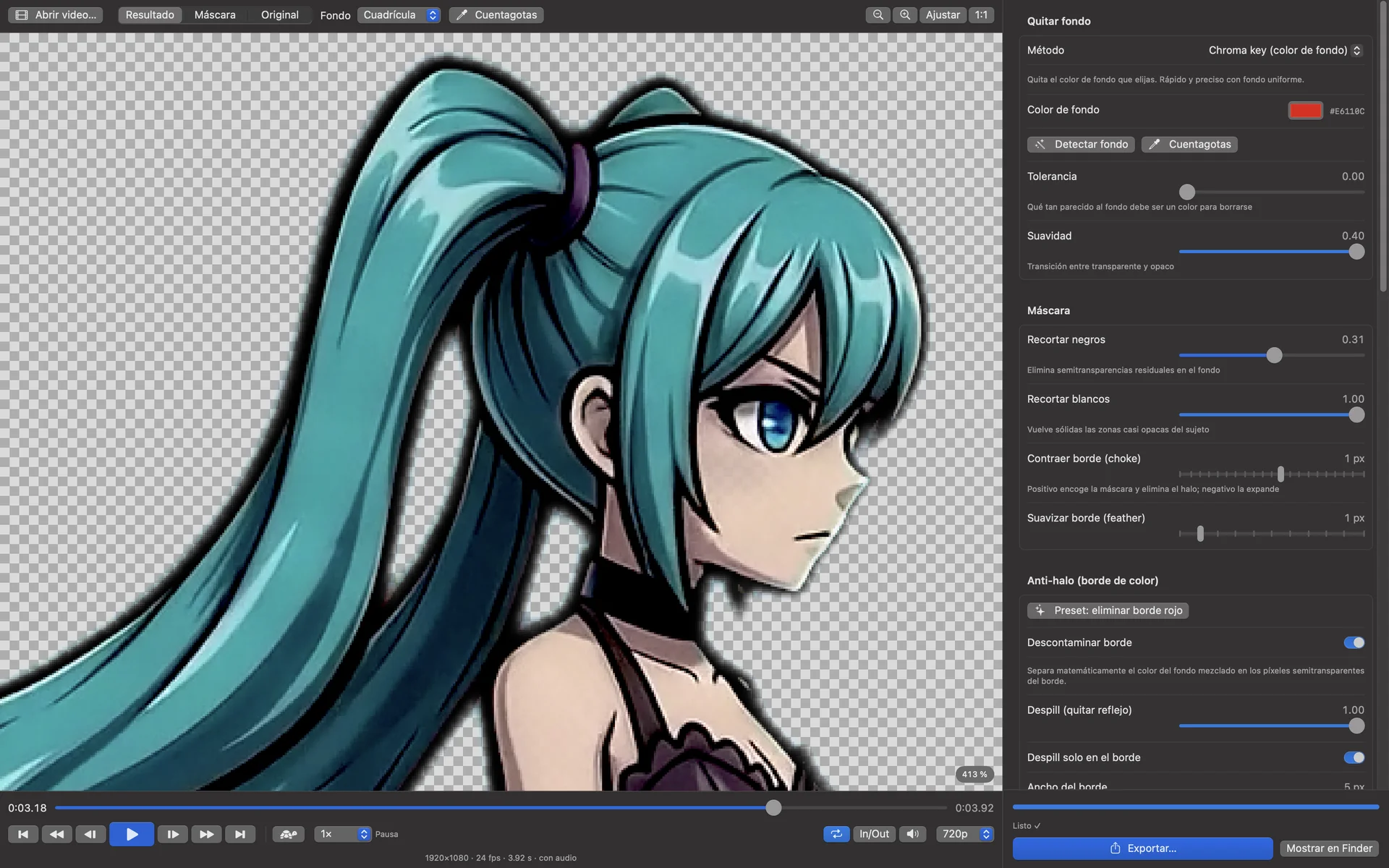
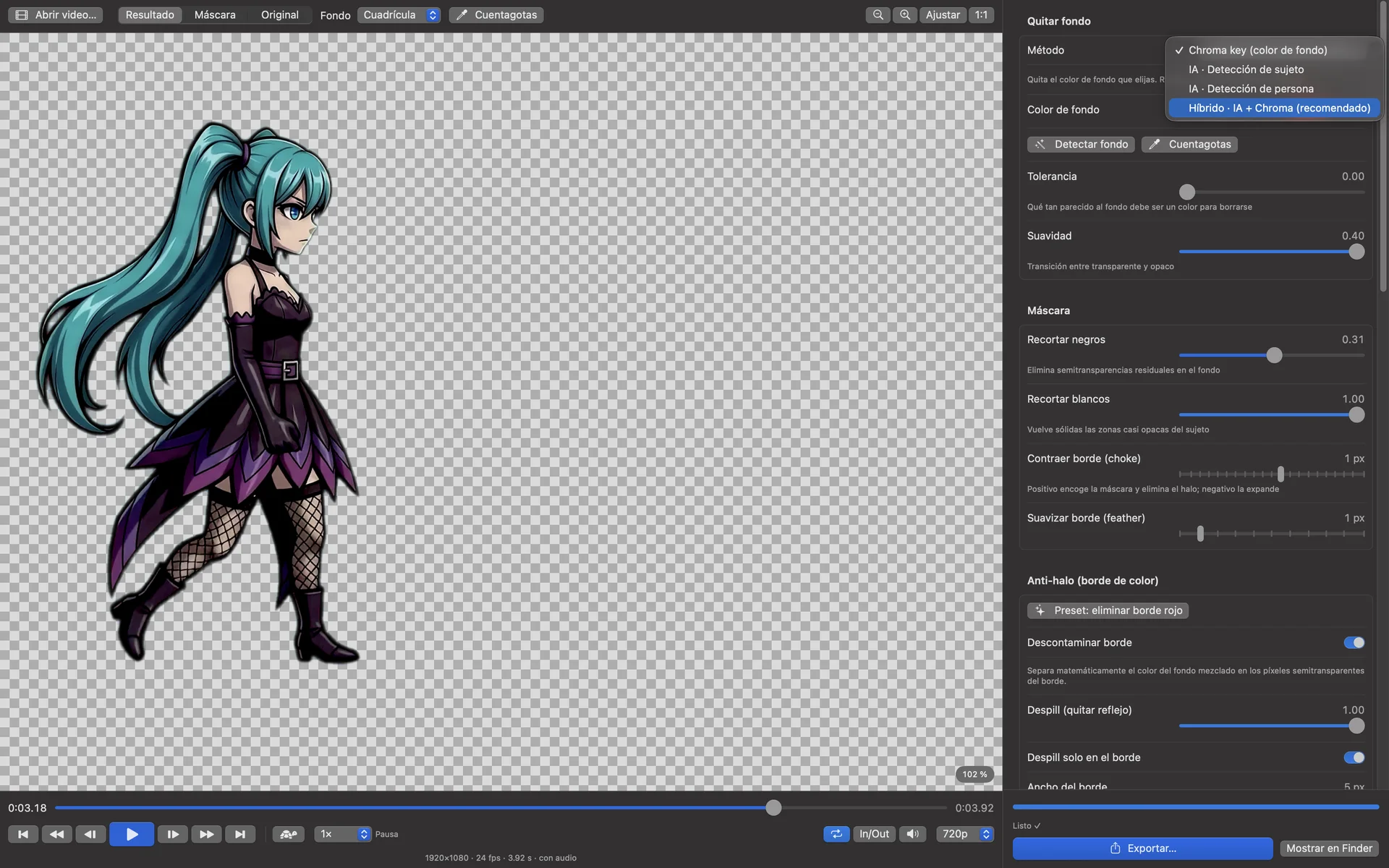
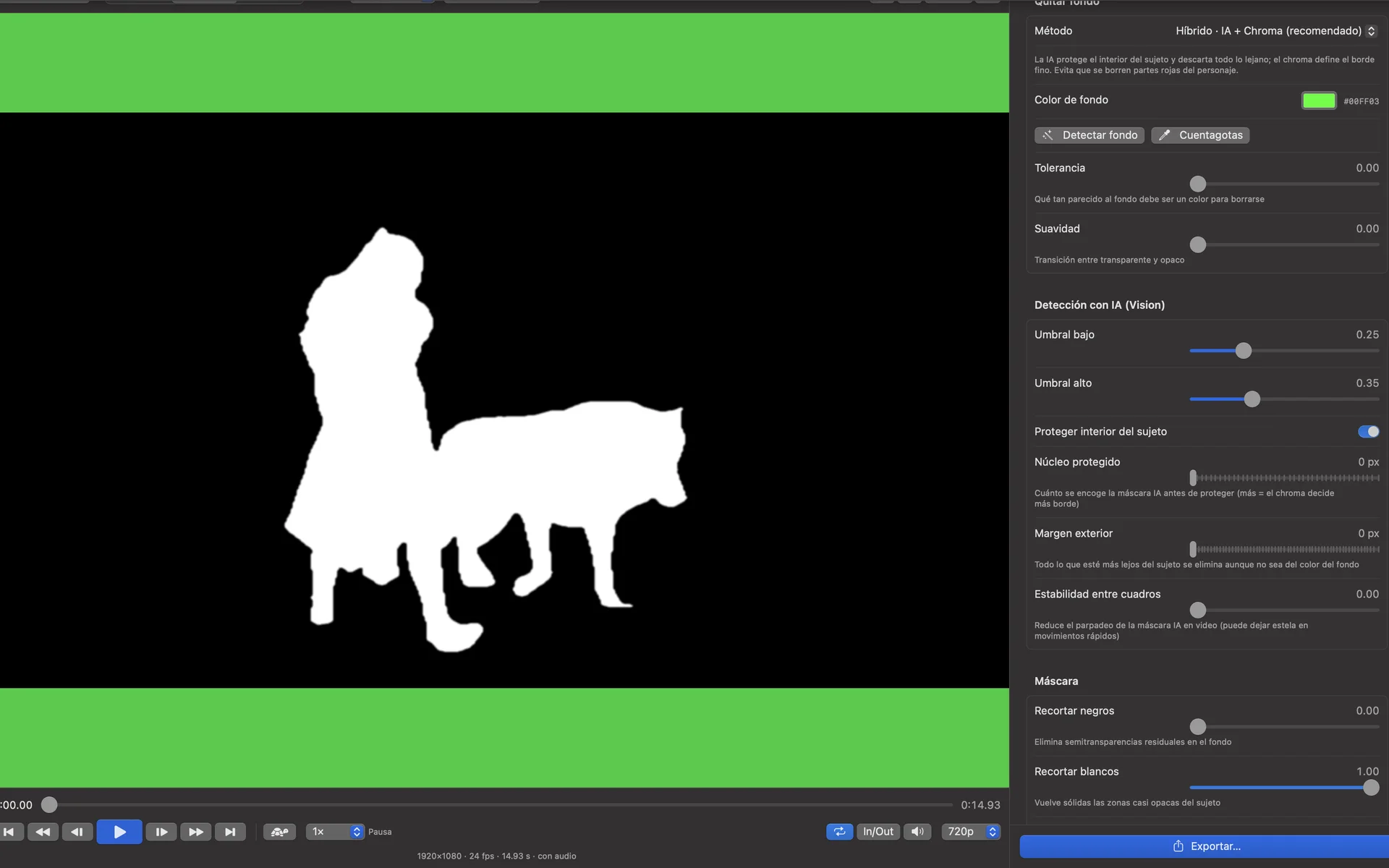
Key out a solid color, let AI find the subject or the person, or combine both: the AI protects the inside of your subject while the chroma key draws the fine edge.
- Chroma key: red, green, blue or any color
- AI subject detection, no colored background needed
- AI person segmentation, hair included
- Hybrid AI + chroma for the hardest shots
No colored fringe around your subject.
AlphaCut attacks the three causes of a colored edge: mixed edge pixels, color spill on the subject and the hidden color under transparent pixels that game engines blend into a line.
- Edge decontamination
- Despill, optionally on the edge only
- Fill the color under transparency
- One-click preset, mask view and shrink edge
Every format you need, in one pass.
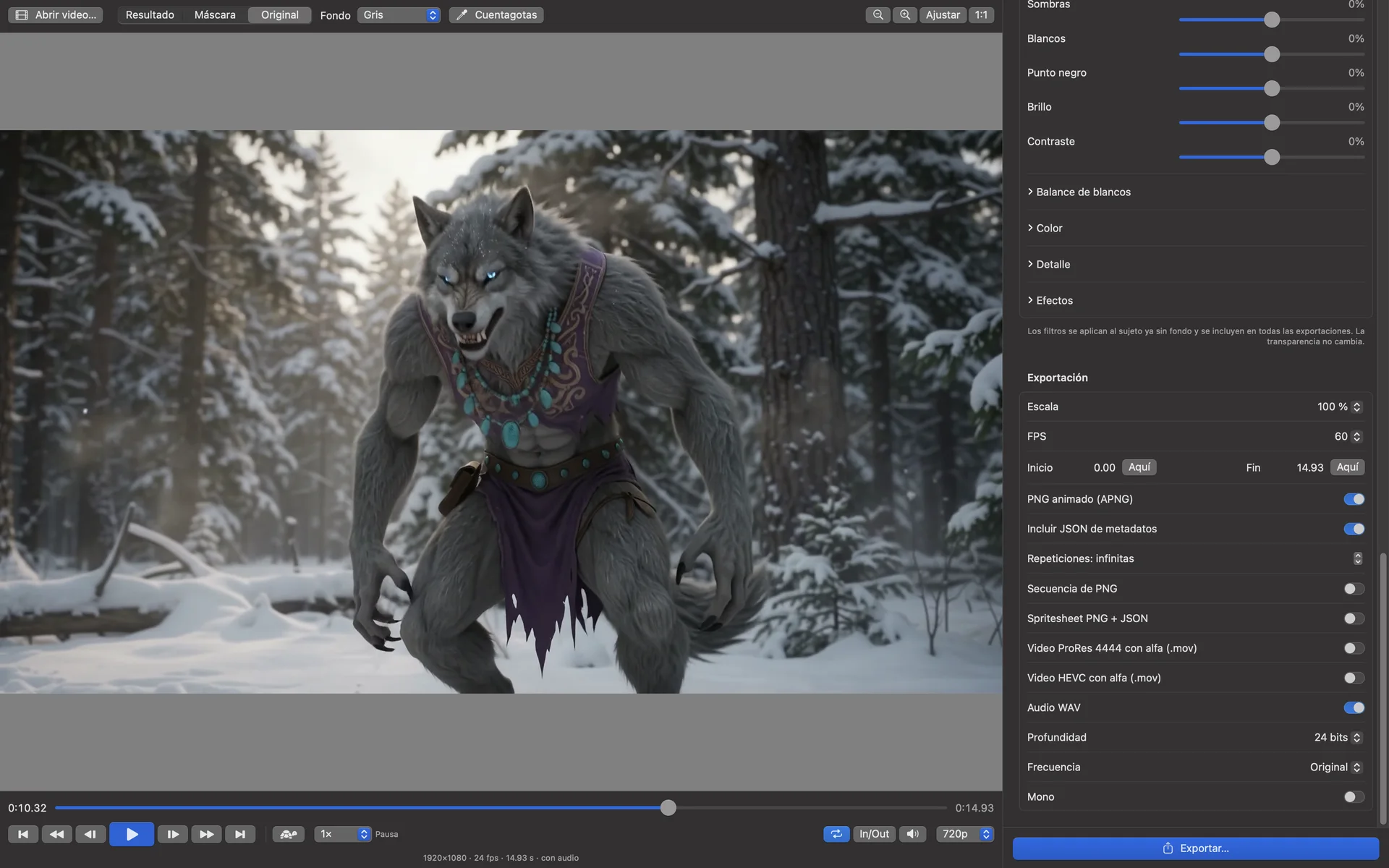
Tick as many outputs as you want and AlphaCut renders them together, with scale, trim and frame-rate controls.
- Animated PNG at exactly 60 fps, with optional metadata JSON
- PNG sequence, and spritesheet + JSON for Godot
- ProRes 4444 and HEVC with alpha (.mov)
- WAV audio: 16, 24 or 32-bit float, 44.1 or 48 kHz
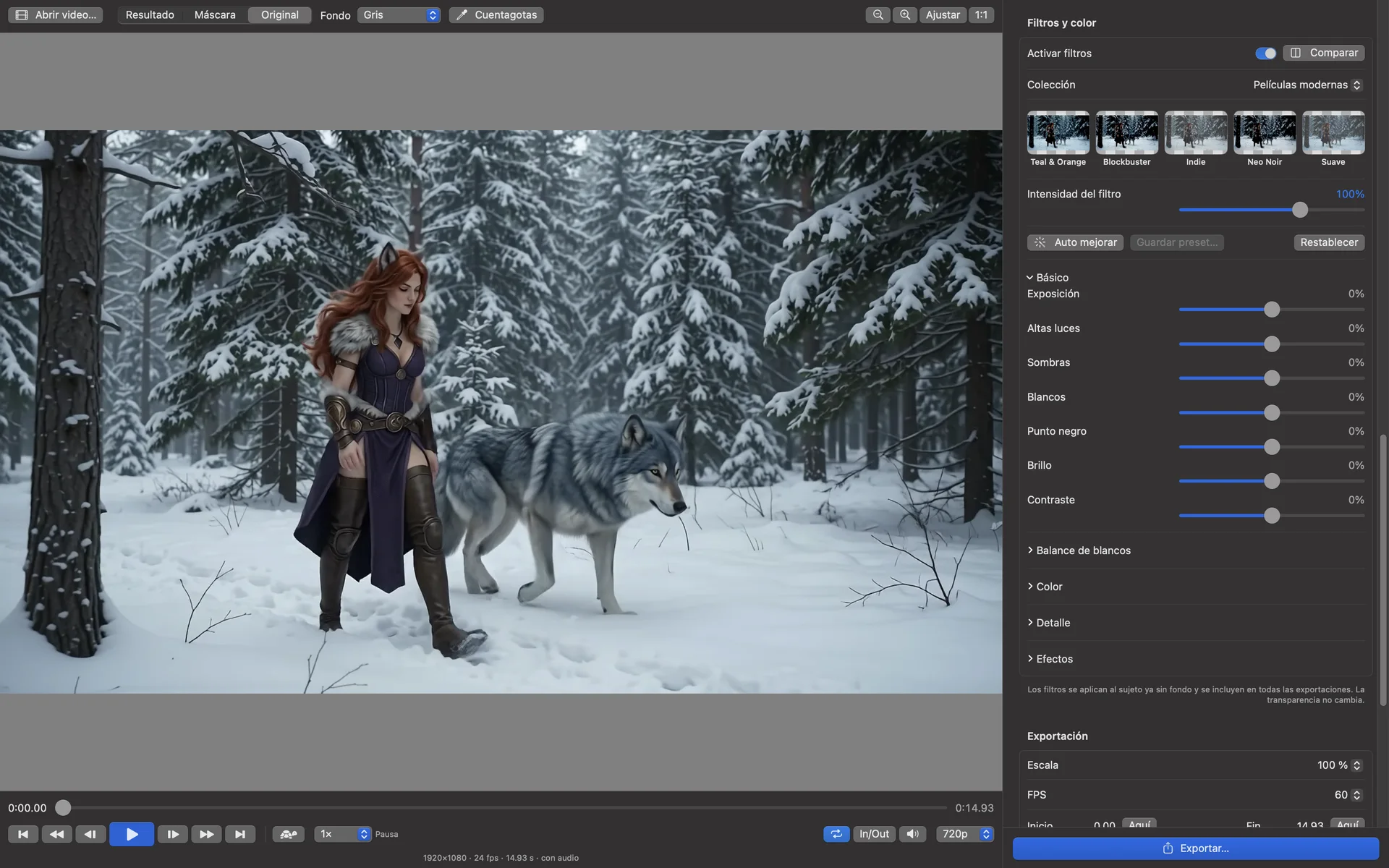
Grade the subject, keep the transparency.
Presets in eight collections, from modern and classic films to night and black and white, each previewed with your own frame. Filters apply to the cut-out subject in the preview, while playing and in every export.
- Exposure, highlights, shadows, contrast, white balance
- Saturation, vibrance, clarity, texture, film grain
- Auto enhance, compare, and your own saved presets
Built for the way you work.
One click reads the frame edges, picks the background color and sets the tolerance.
J, K, L shuttle, frame-by-frame, slow motion, 0.1× to 4× speed, loop and in/out.
Pinch, ⌘ + scroll or the keyboard; sharp pixels from 200% to check every edge.
Save the soundtrack as WAV, stereo or mono, at the original or a standard rate.
Chroma on all CPU cores, AI on the Neural Engine. Nothing is uploaded.
Built in Swift and SwiftUI.
A closer look
What you need
- macOS 14 Sonoma or later
- Apple Silicon recommended for the AI modes
Stays on your Mac
Your videos are processed entirely on your Mac. AlphaCut has no accounts and sends nothing anywhere.
Privacy Policy